 G Force Logbook and Scheduling
Flight hours and TAFB
Your flight hours and time away from base, added up.
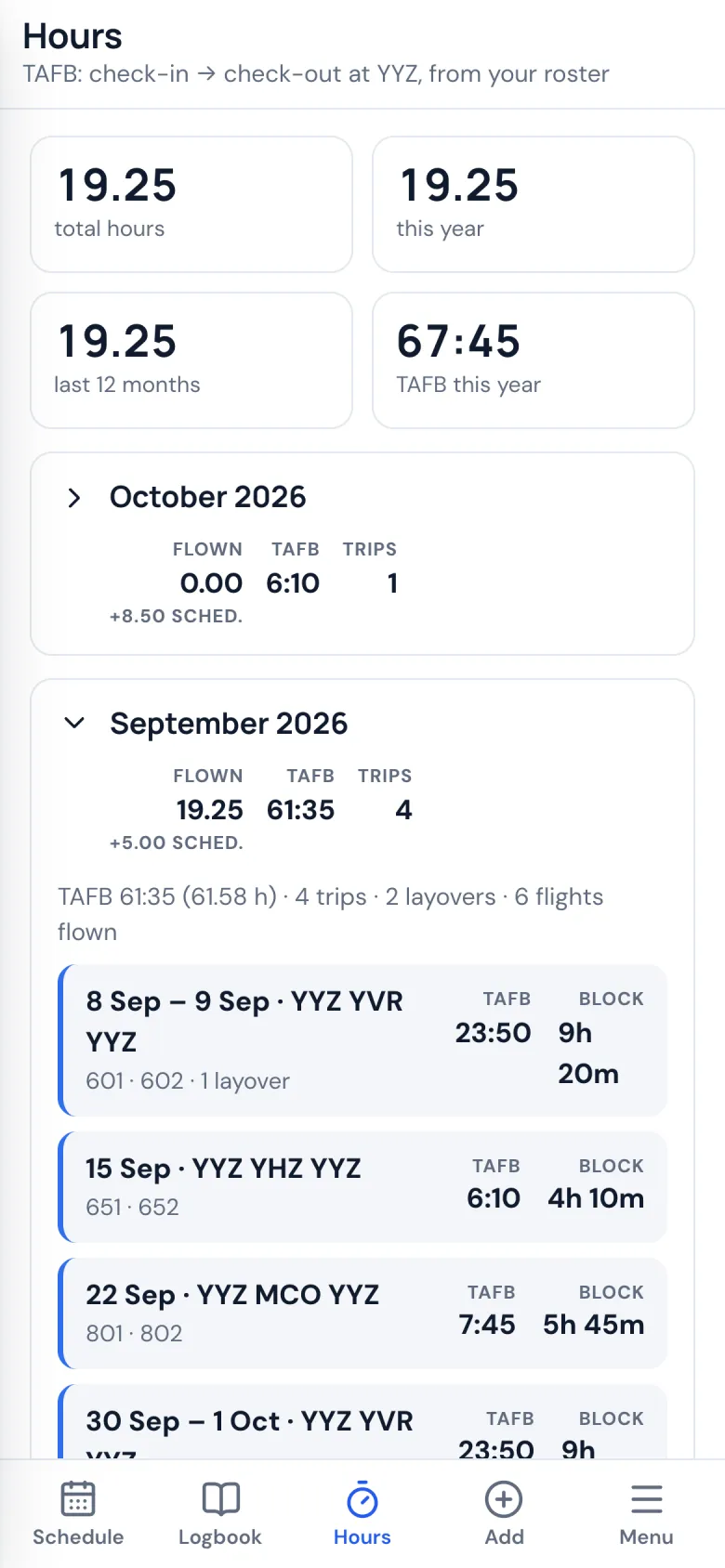
G Force Logbook and Scheduling keeps your totals for you from your logbook and your roster: the year and the last 12 months, each month's flown hours and time away from base (TAFB) for per diem, every trip with its TAFB and block time, flight and duty limits under the rules of your airline's country, and your currency.
Updated November 2026.
What gets added up
Month by month
Flown hours, TAFB and trips for every month, with the hours still scheduled shown apart until they're flown.
Trip by trip
Each trip with its dates, the cities and layovers, and its TAFB and block time, from check-in at base to getting back.
TAFB your airline's way
Time away from base ends a set number of minutes after the last block-in: your airline's rule where it's known, or the one you enter.
Limits and currency
Flight and duty limits follow the rules of your airline's country (Transport Canada, the FAA or EASA): the hours left in each window and when hours come back. Takeoffs and landings in the last 90 days, day and night, for currency.
Exact to the minute
Times are kept to the minute and shown the way you log them: hundredths, tenths or hours and minutes.
Pilots and flight attendants
Flight attendants get their hours and TAFB too, without a logbook to fill in.