 G Force Logbook and Scheduling
Digital pilot logbook
A pilot logbook that fills itself from your roster.
G Force Logbook and Scheduling is a digital pilot logbook for airline pilots. Every flight on your roster is logged for you with block times, night time worked out along the route, takeoffs and landings by day or night, and the crew you flew with. Add flights by hand or import your history any time.
Updated September 2026.

Every column, filled in the way you log
From your roster
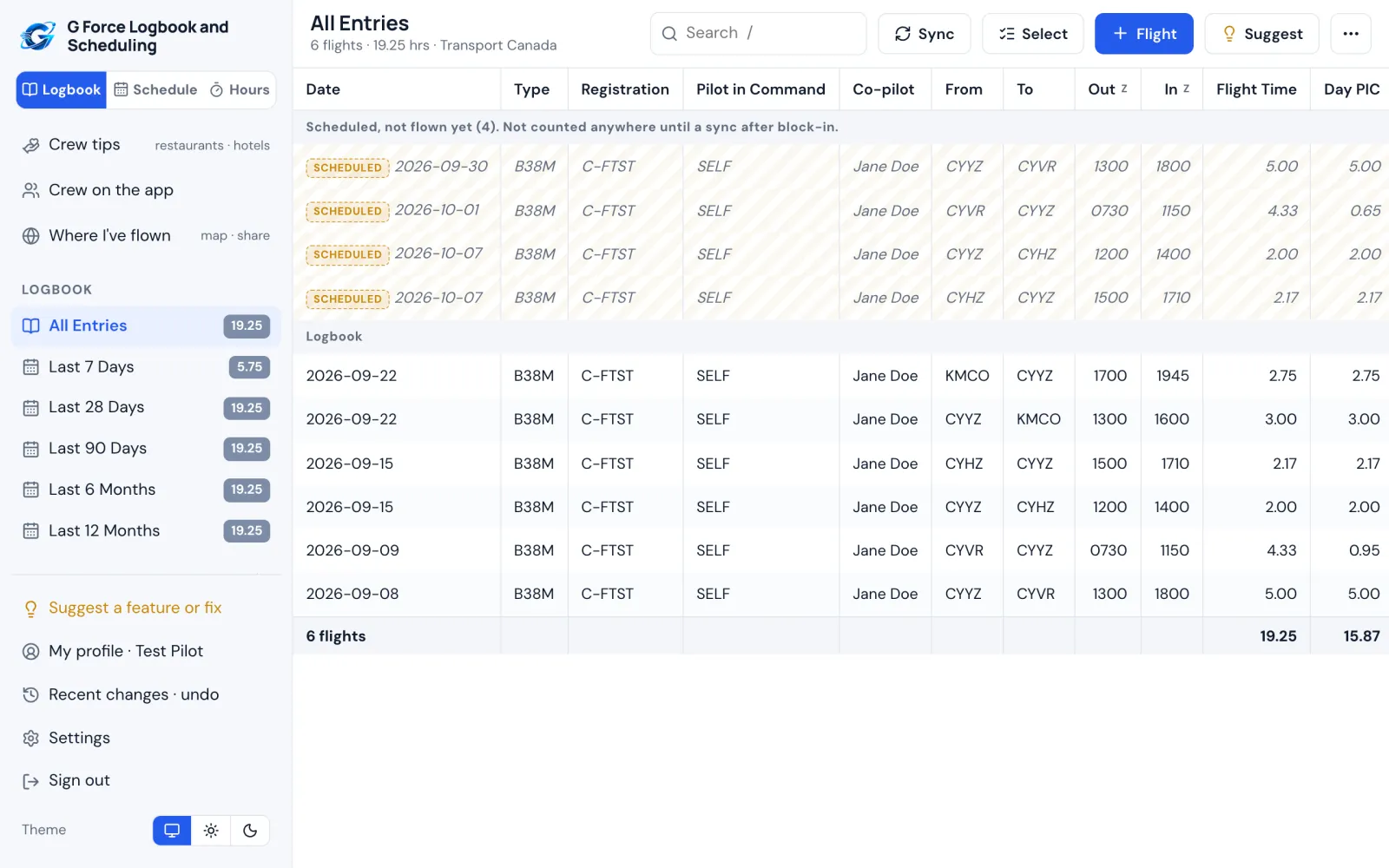
Completed flights come in with each sync: out and in times, route, aircraft and registration, flight number, and who was in the other seat. Flights still ahead stay marked Scheduled and aren't counted.
Times worked out for you
Night time by civil twilight or from sunset to sunrise, PIC or SIC from your seat, multi-pilot and IFR time, actual instrument as a share you choose, and relief time on long flights.
Your rules
Takeoffs and landings when you were pilot flying, on every leg, or not at all. Cross-country to any other airport or beyond 50 NM. Pilot flying on every leg, none, or every other leg.
FAA, Transport Canada or EASA
The columns your authority uses, hours as H.hh, H.h or H:mm, dates and times in UTC, local time or your base time, and ICAO or IATA airport codes.
Printed like paper
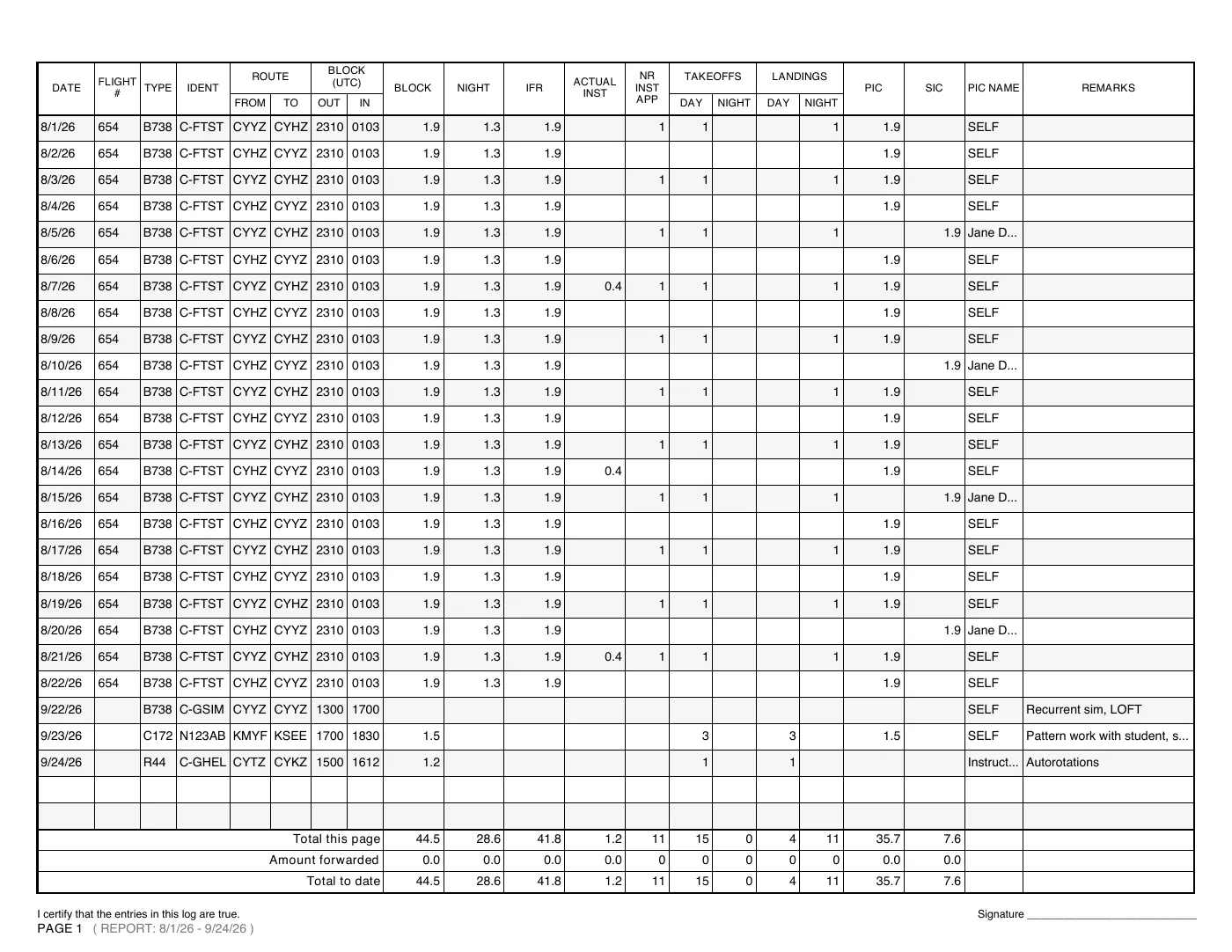
Classic logbook pages with page totals, amounts forwarded and your signature on every page, on letter or A4. Or export a spreadsheet whenever you like.
Bring your history
Import a CSV or tab-separated file from another logbook app or a spreadsheet, and undo it from Recent changes if something looks off.
Totals, filters and currency
See totals for the last 7, 28 and 90 days, 6 and 12 months, or any filter you build. Keep an eye on currency and flight time limits, and see every airport you have flown to on a map you can share.
Print it for your records
Pages in the familiar paper layouts: FAA styles, the Transport Canada spread and the EASA logbook. On the two-page spreads each line runs across both pages, in black and white, with your signature on every page. Requirements for logbooks vary by country, so check what your authority asks for; you stay responsible for your records.