 G Force Logbook and SchedulingEnglishFR Sign in
For airline pilots and flight attendants
Your logbook and your schedule, in one place.
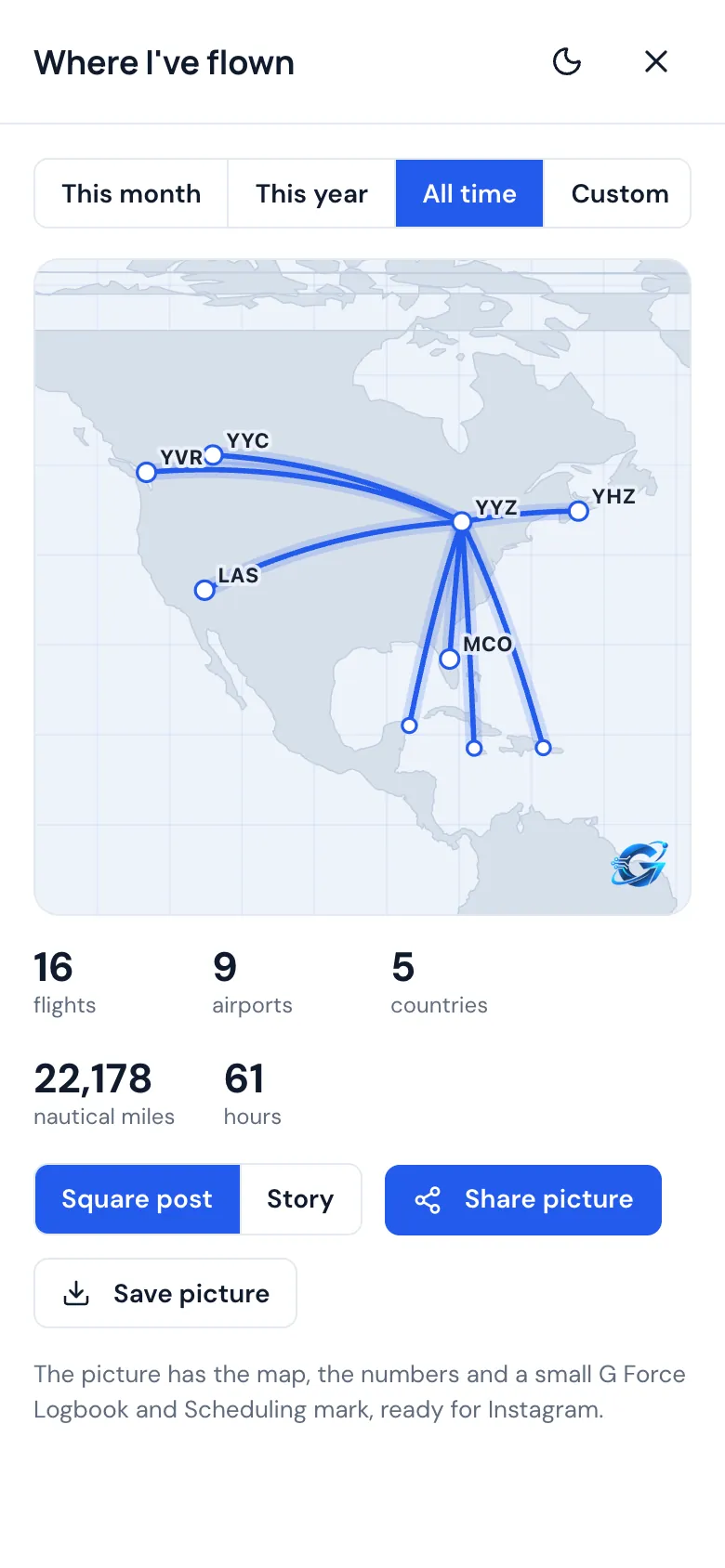
G Force Logbook and Scheduling is a pilot logbook and crew schedule app. It reads your roster from your airline and keeps your logbook for you: every flight with its block times, night time and landings, your trips, layovers and crew, and your hours, on your phone and your computer. Built by an airline pilot.
iPhone, Android and the web · Sign up with your personal email. Pricing is coming soon.
See it in 30 seconds
Your schedule, your logbook, your crew and the people at home, in half a minute. Turn the sound on.
Everything from your roster, done for you
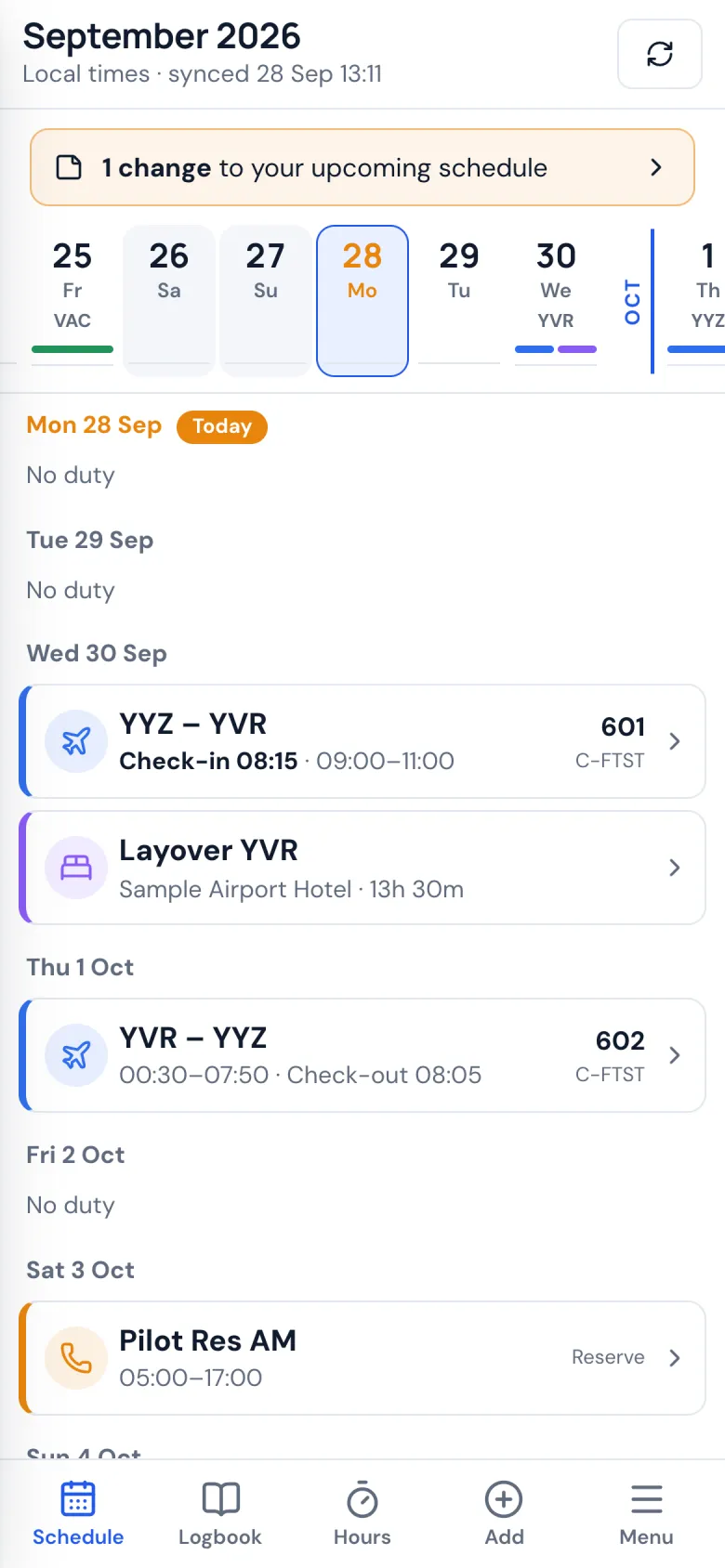
Your roster, synced
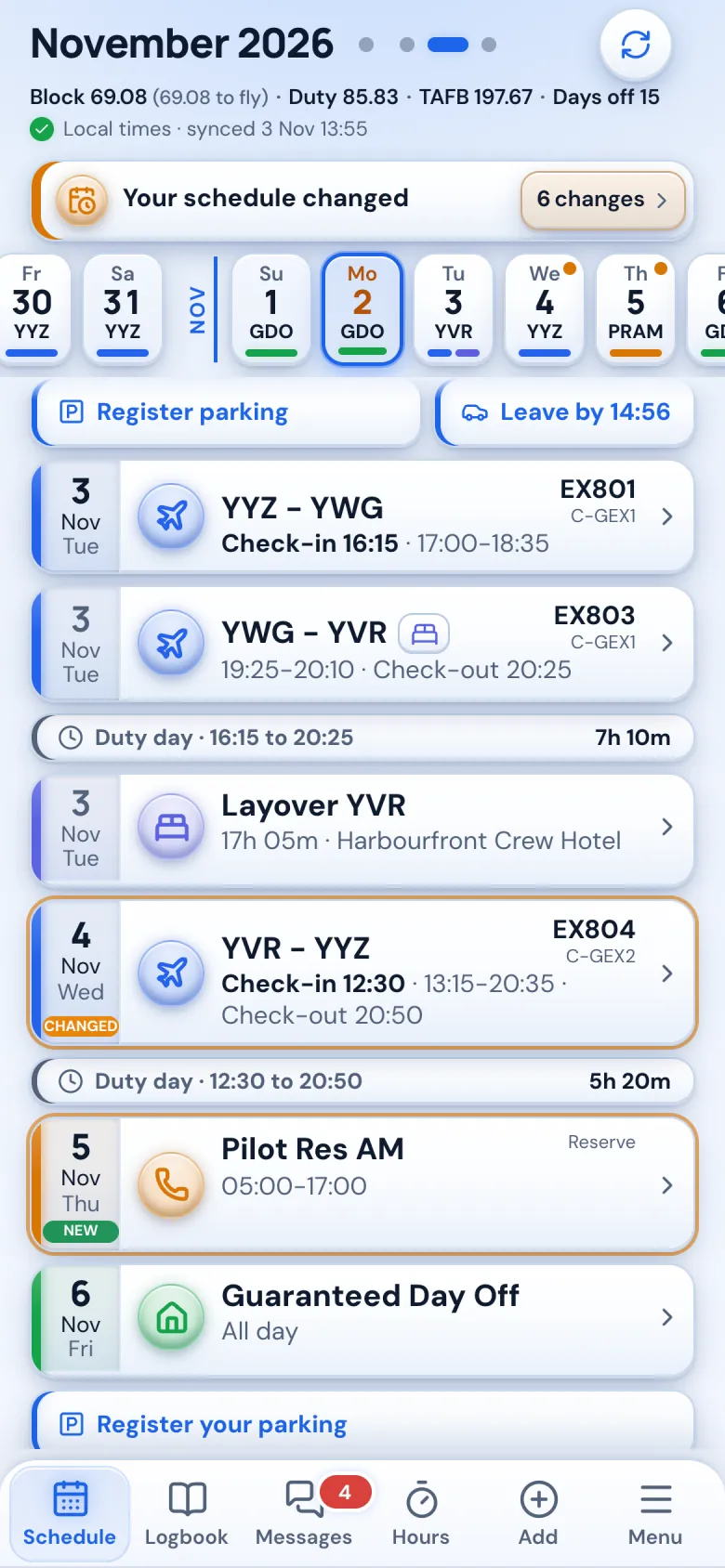
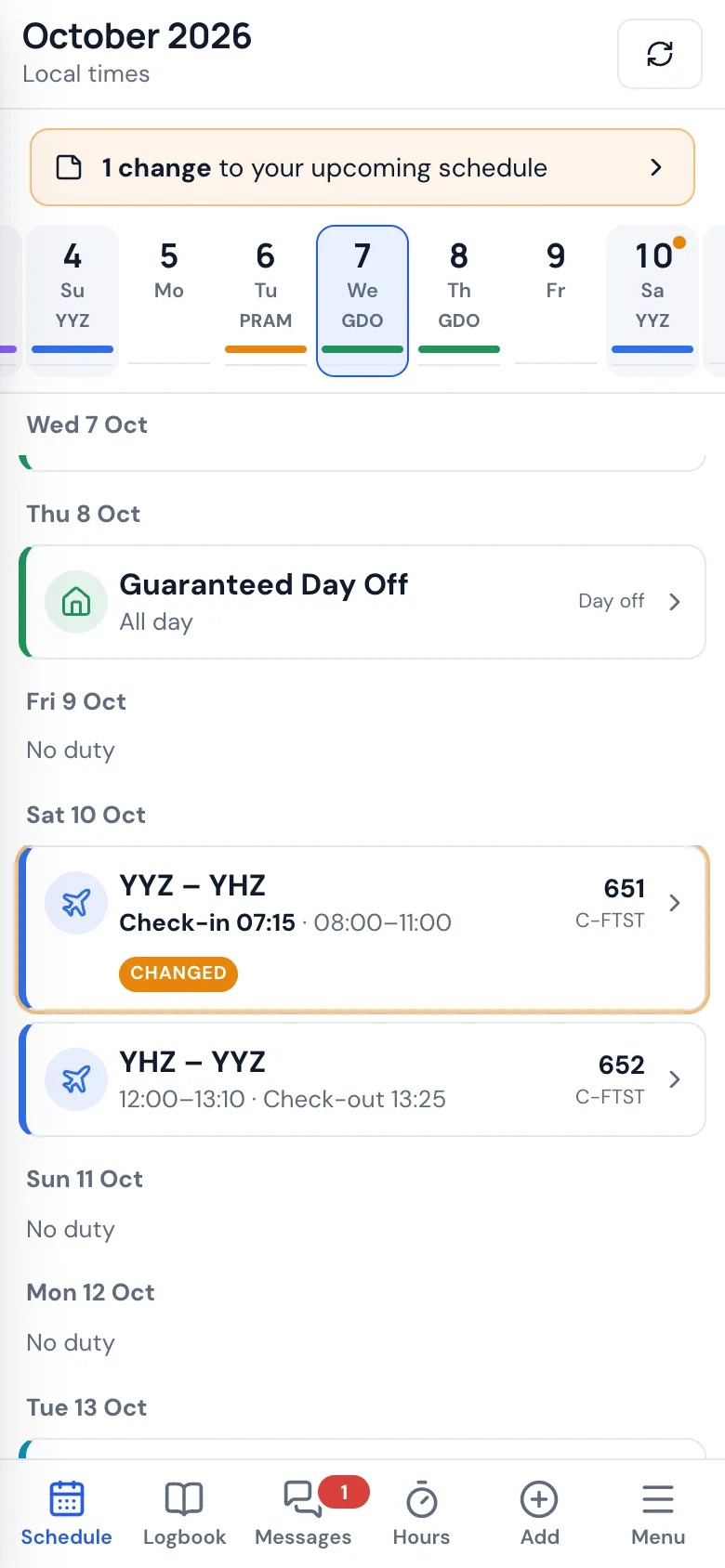
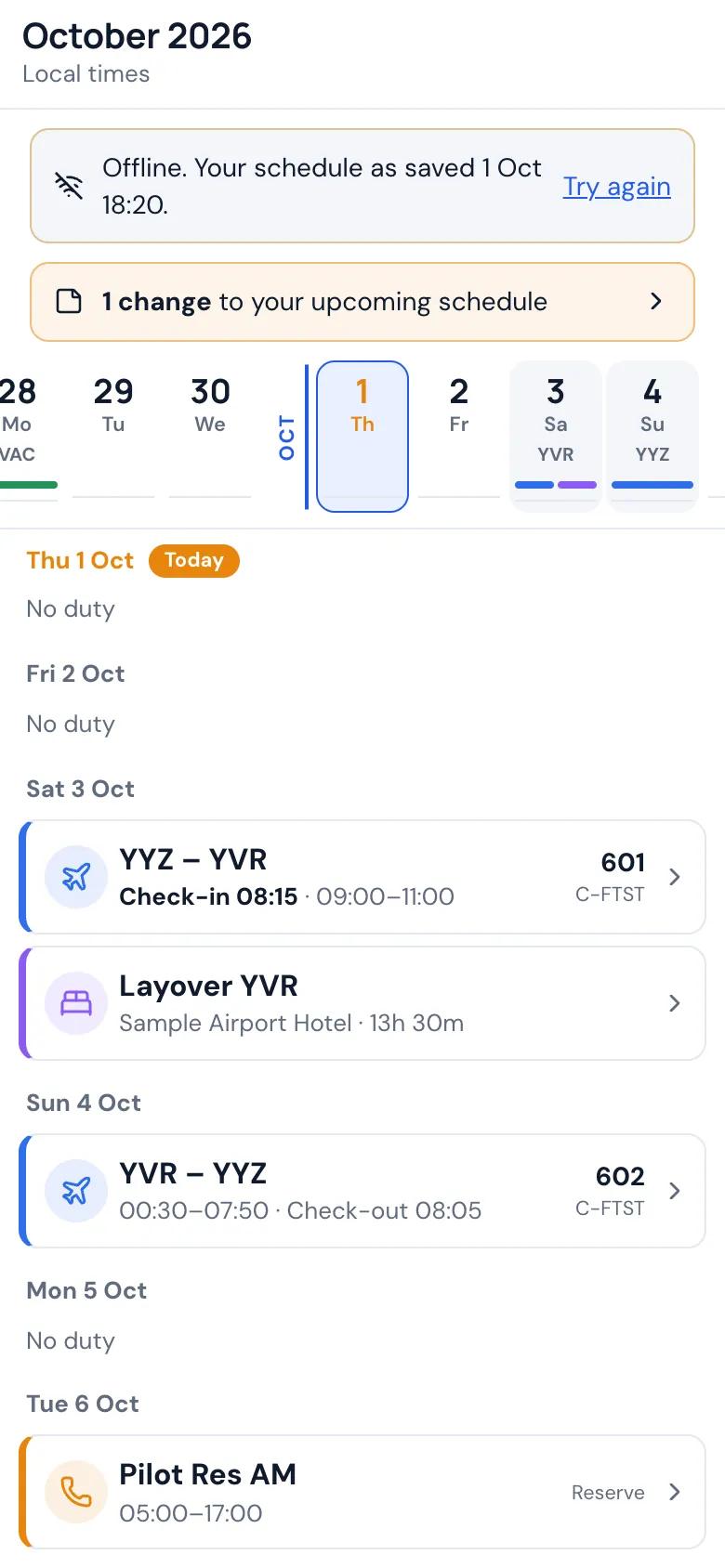
Flights, duties, days off, reserve and training from your airline's crew system. You sync when you want, from your phone, with your own sign-in, and see it as a month, a compact list, an agenda or just today.
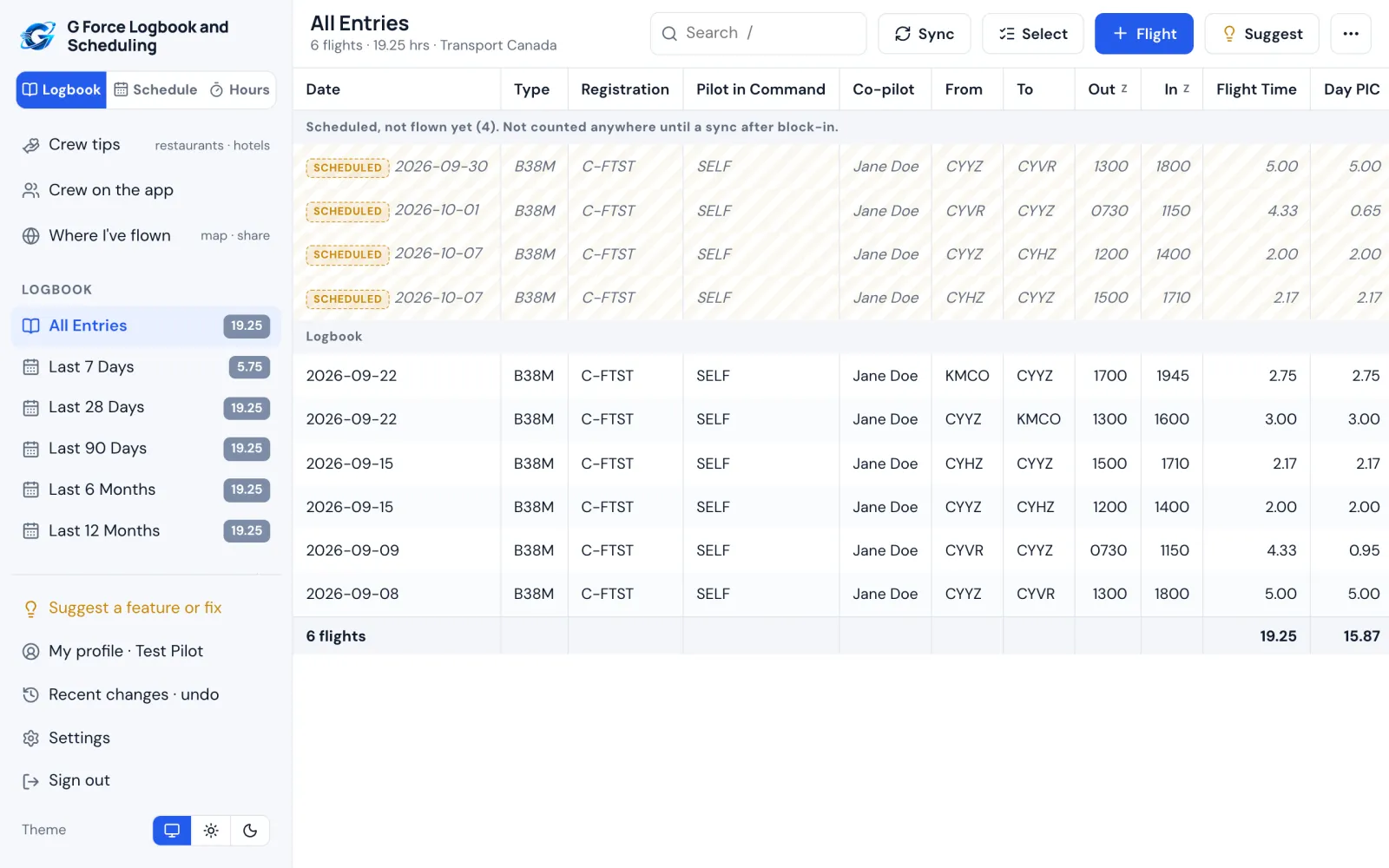
A logbook that fills itself
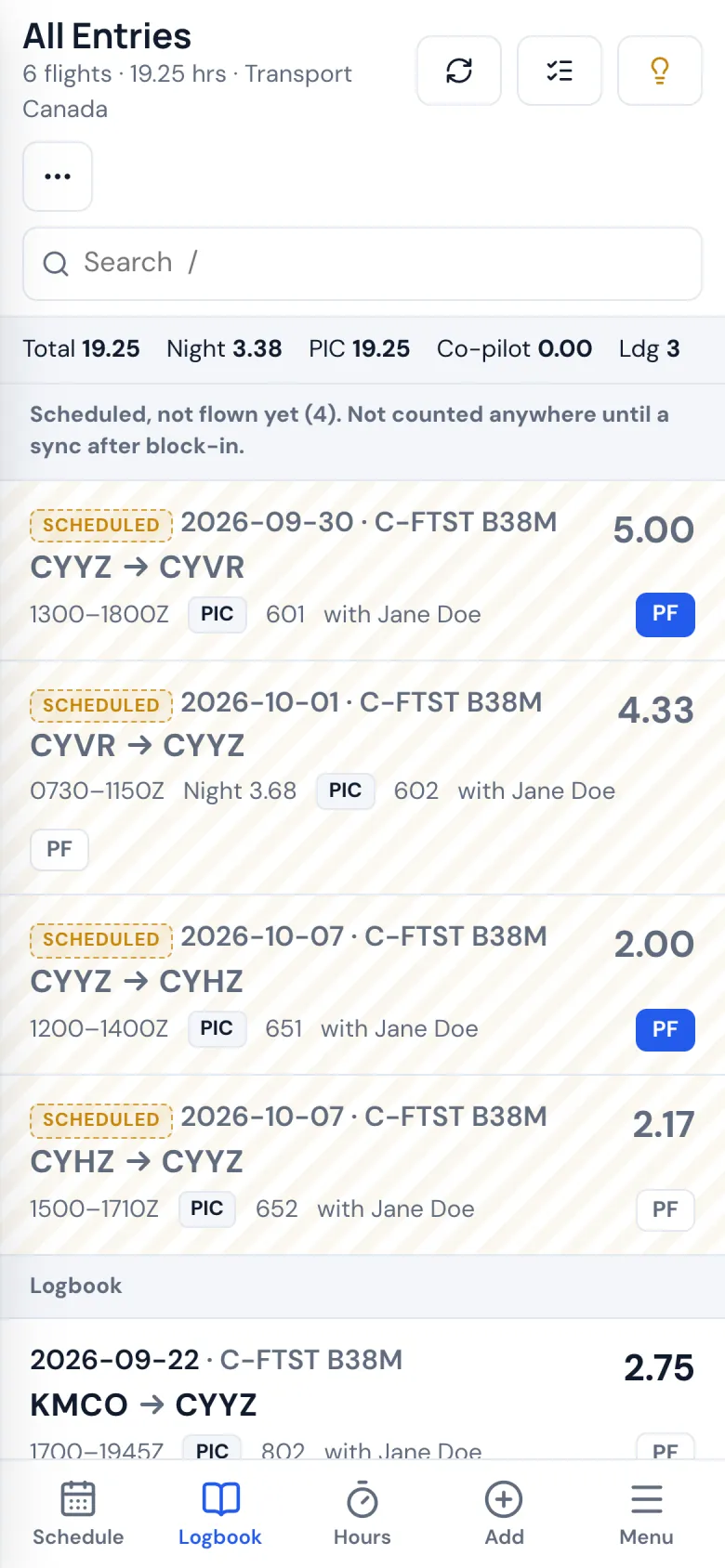
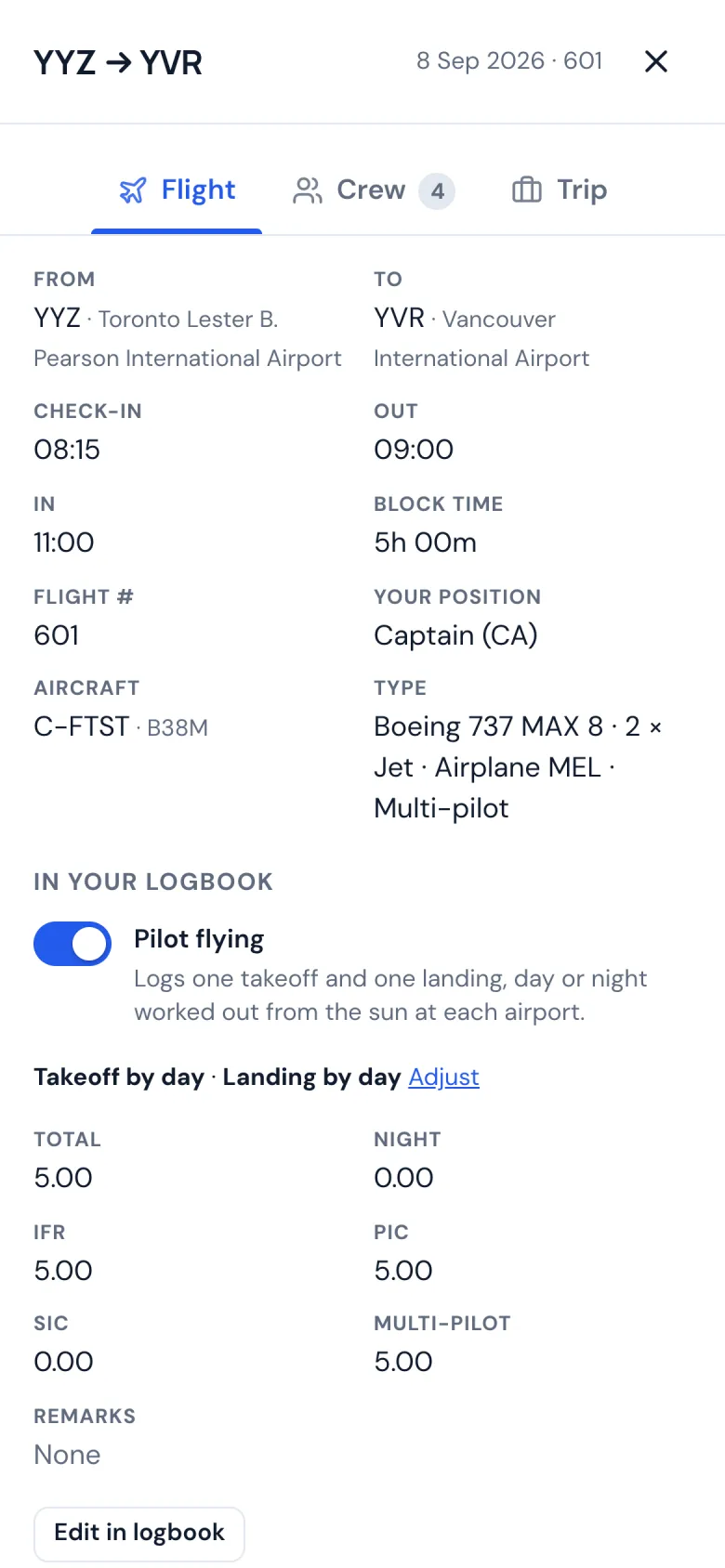
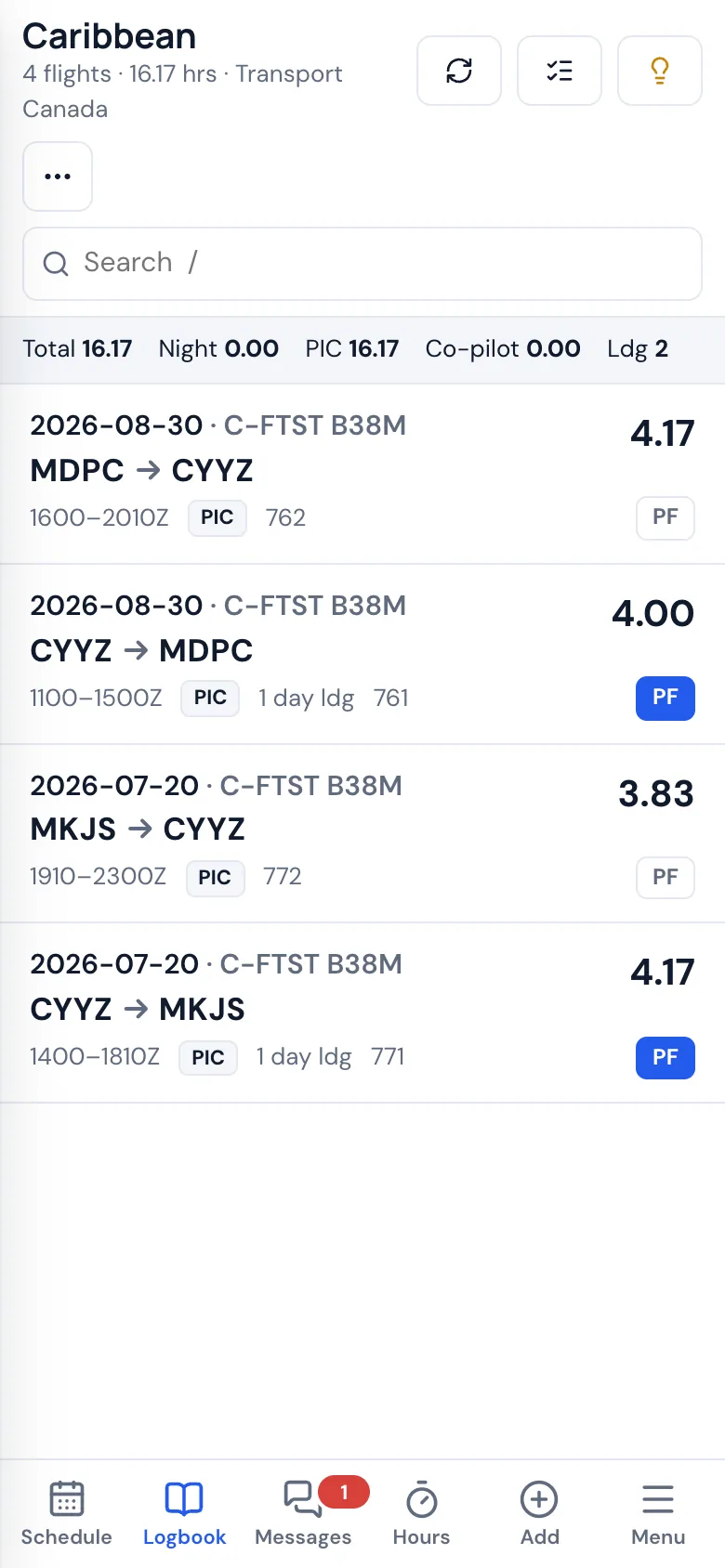
Every flight logged from the roster: block times, night time worked out along the route, takeoffs and landings by day or night, and the crew you flew with.
Trips, layovers and crew
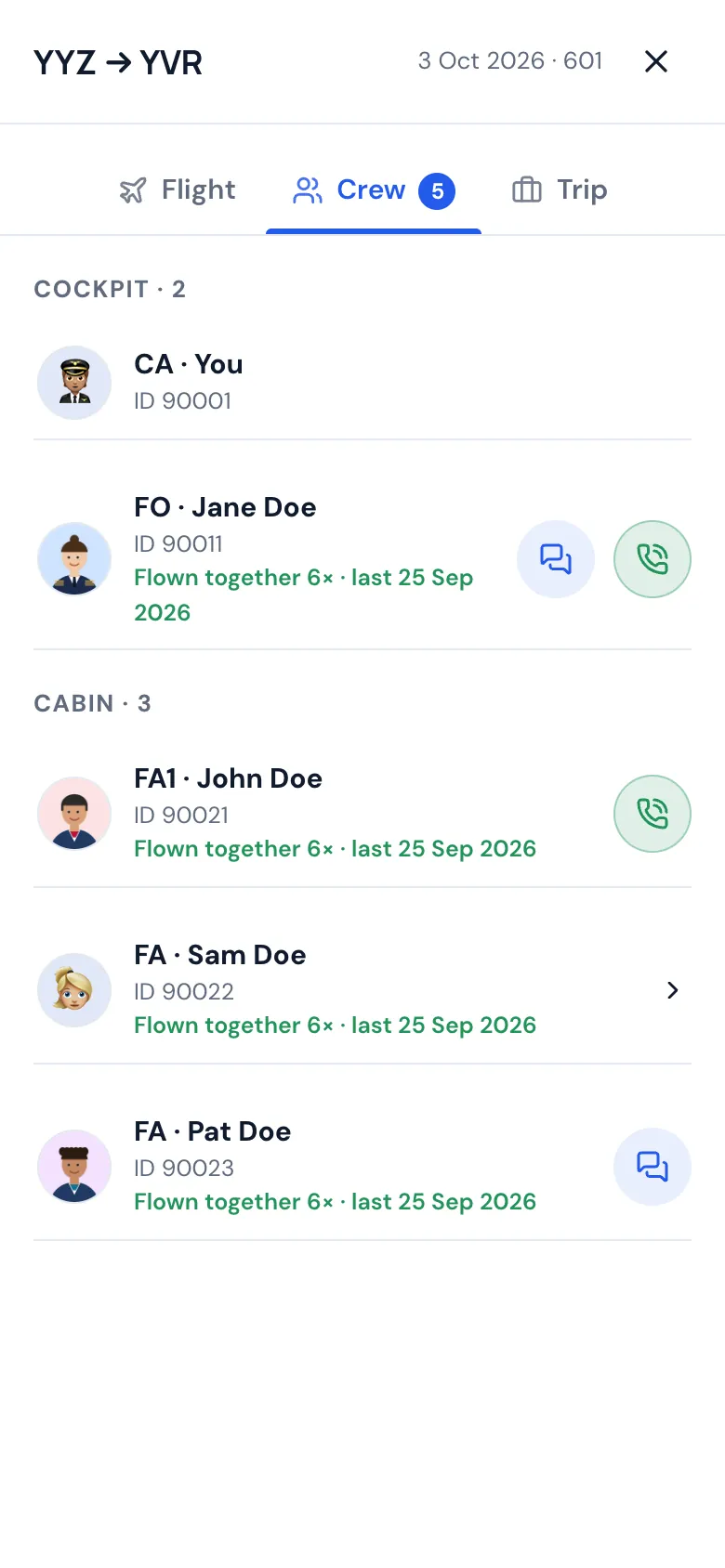
Who you're flying with, your hotel one tap from a call or a ride back, reviews of the hotel from crews who stayed there, and what changed on your schedule since you last looked.
Hours, limits and TAFB
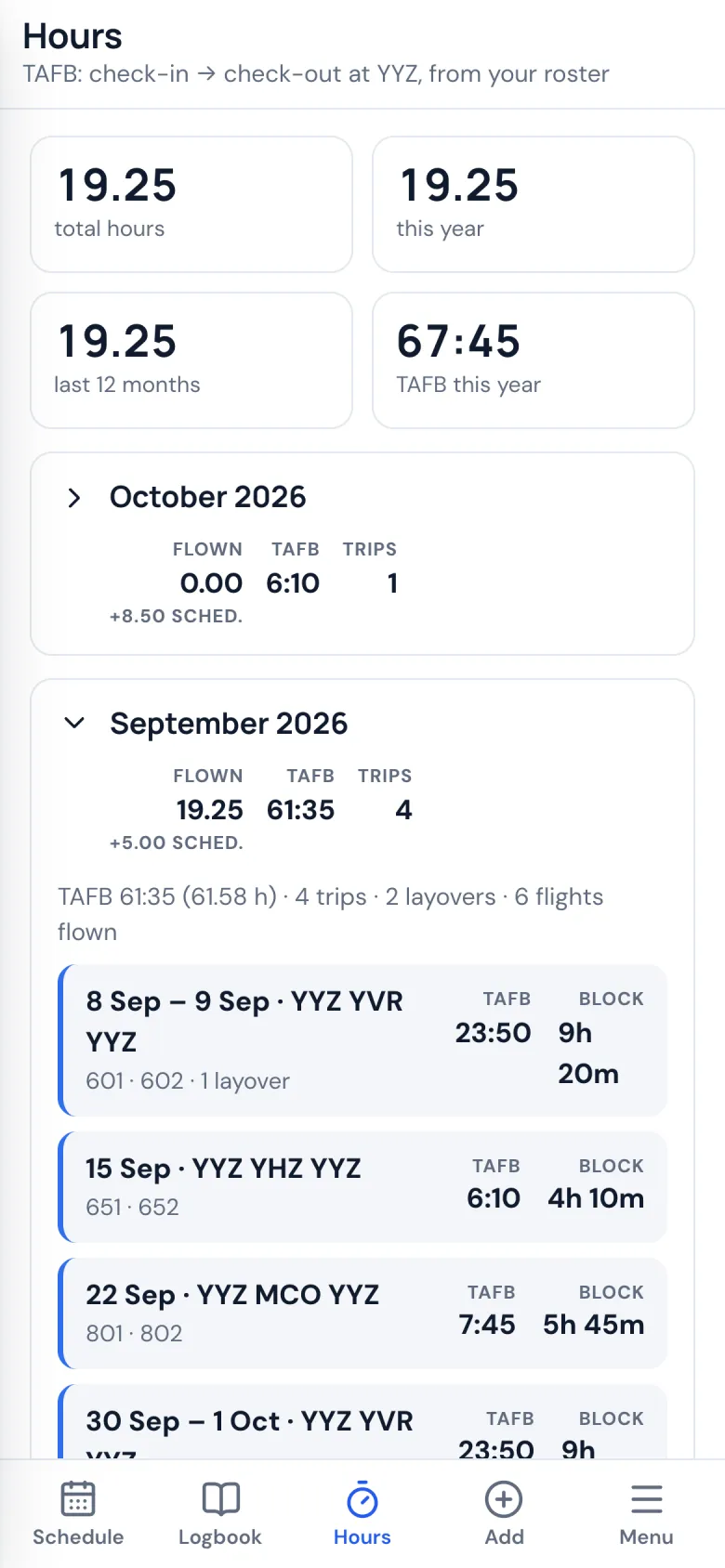
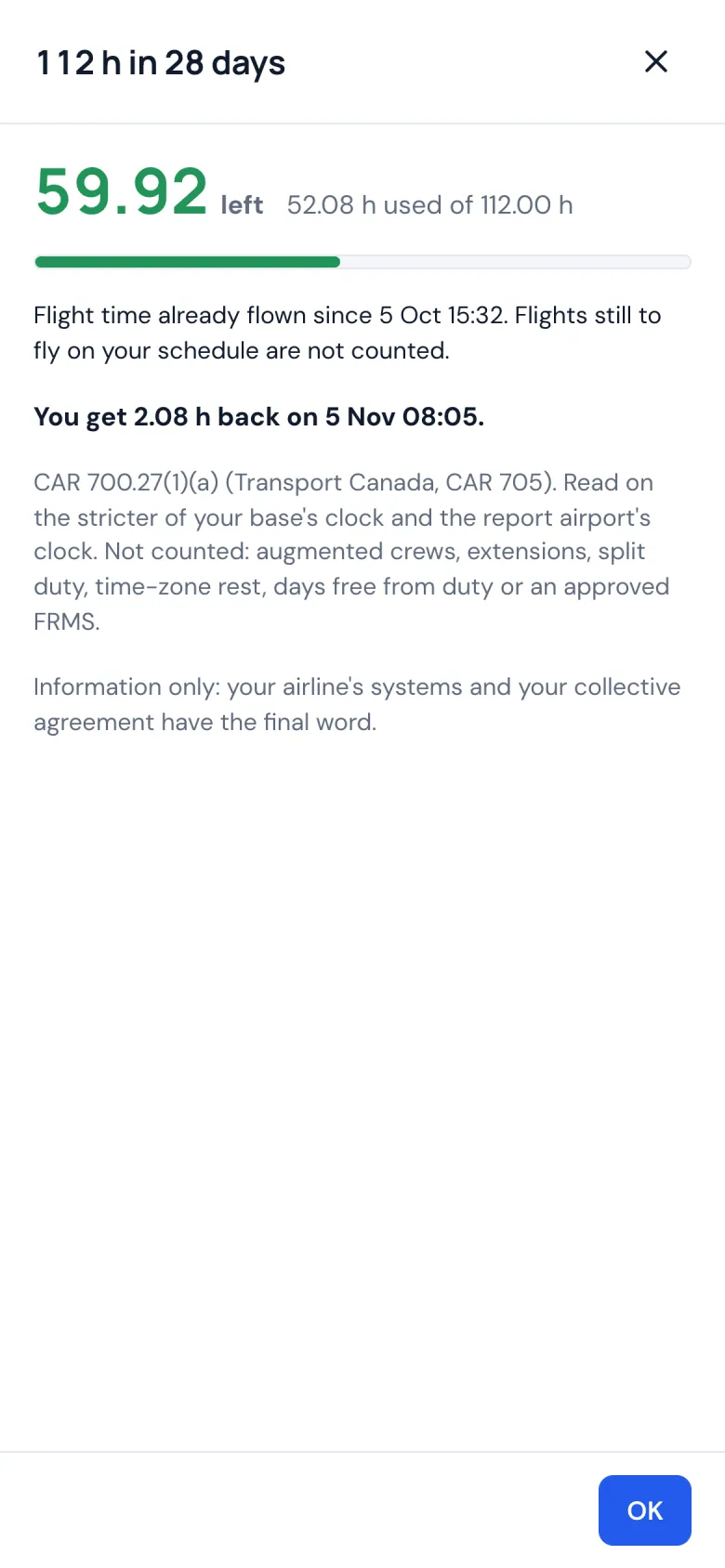
Flight and duty limits under the rules of your airline's country, with the hours left, your currency, and time away from base for per diem, added up month by month.
Time to leave
A notification when it's time to leave home for check-in, worked out with the traffic and your walk from parking. One tap opens the directions.
Delay alerts
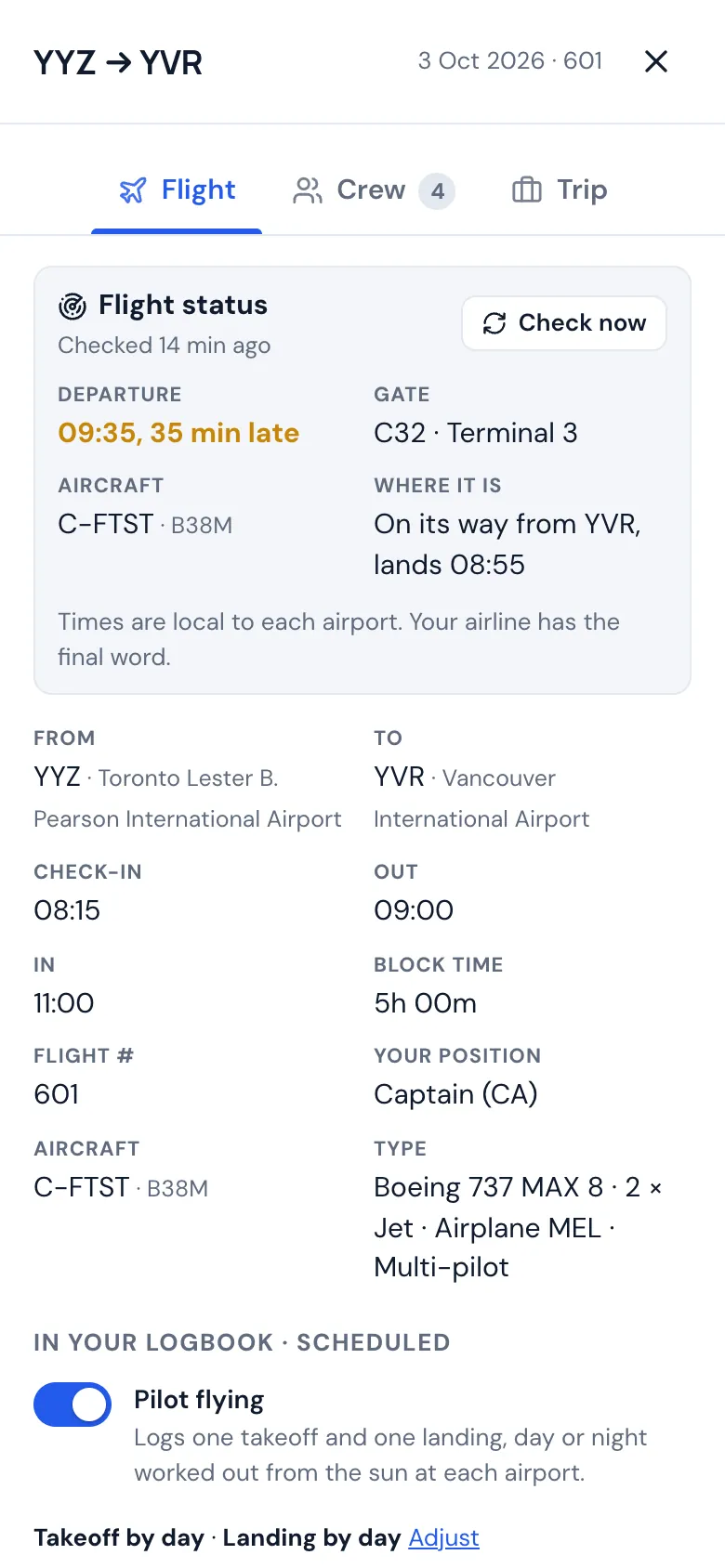
A notification when the first flight of your day is running late, with the new time, the gate and where the aircraft is coming from.
Messages and flight chats
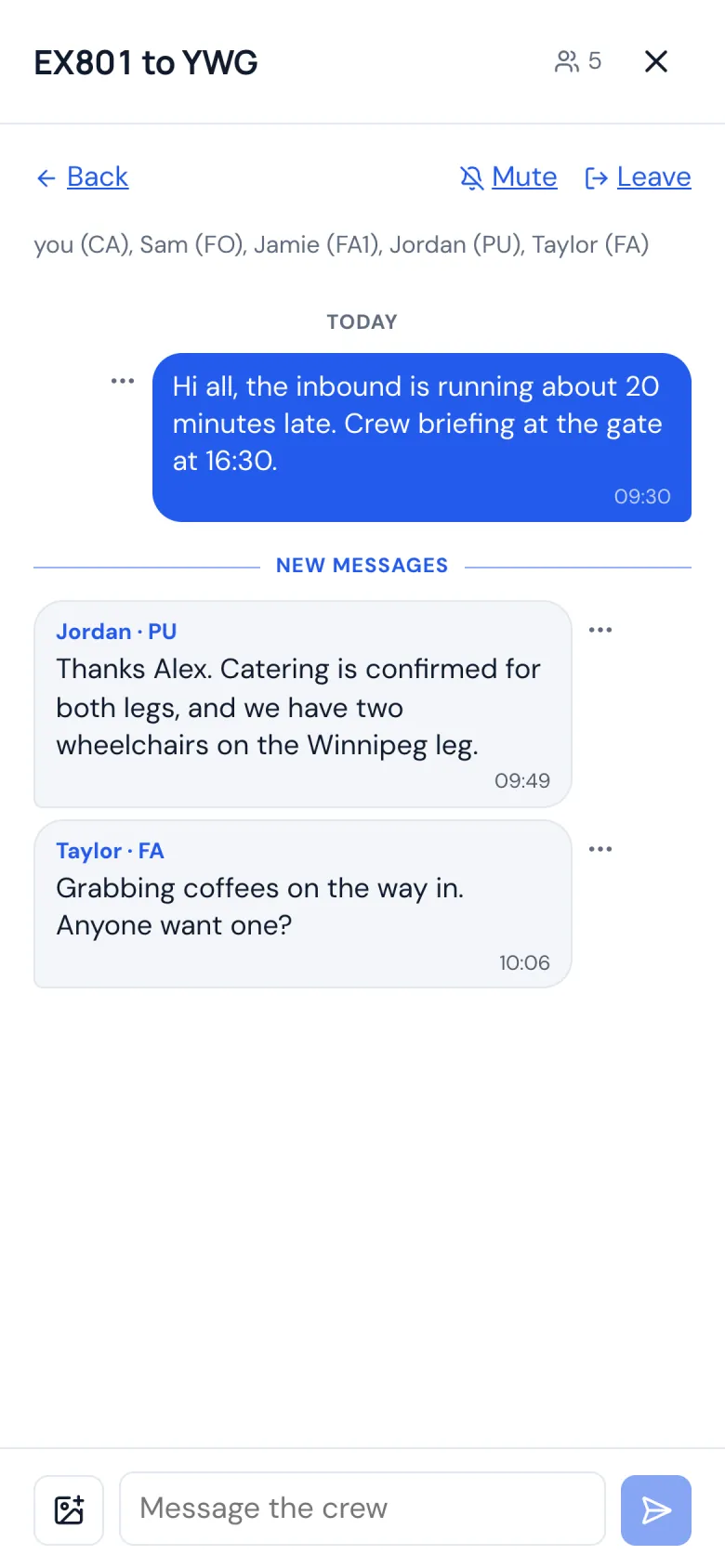
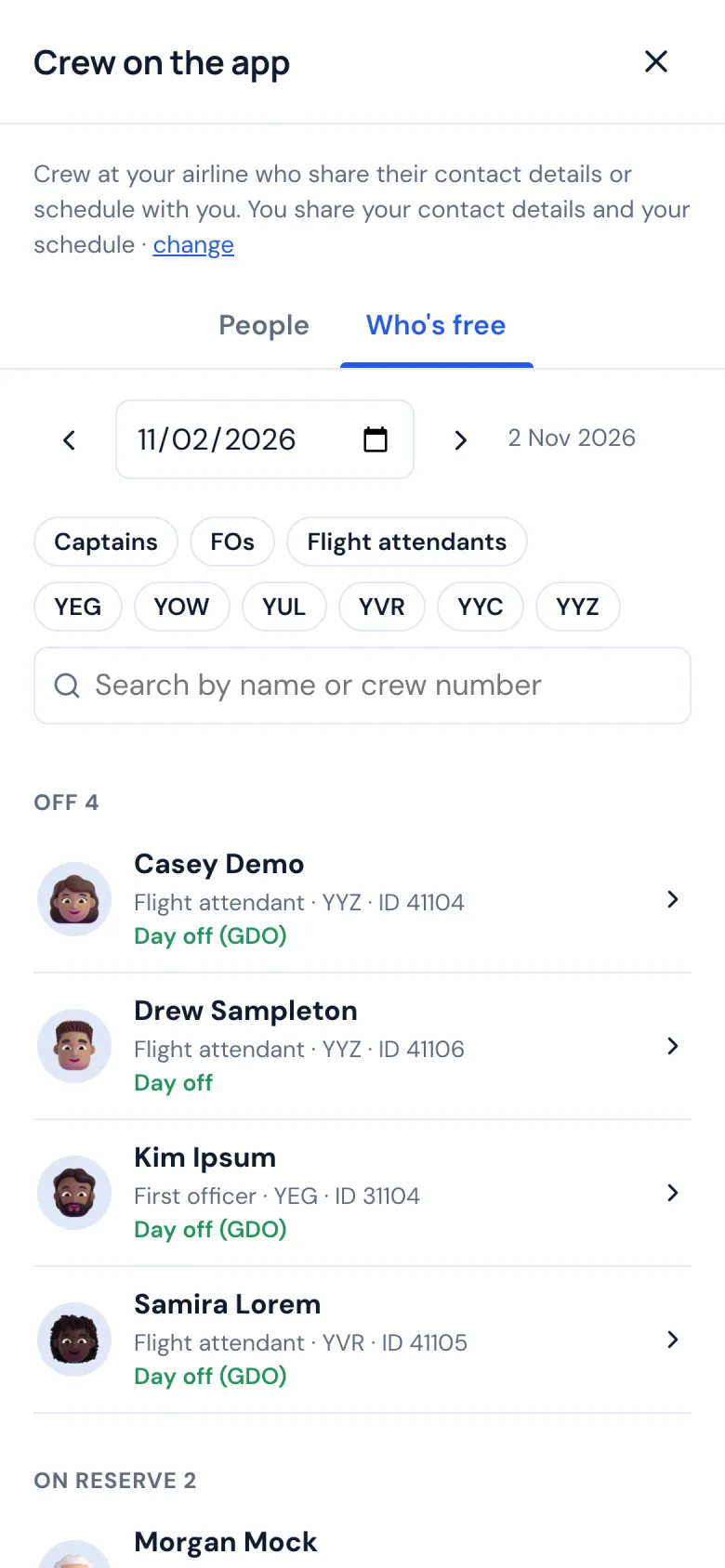
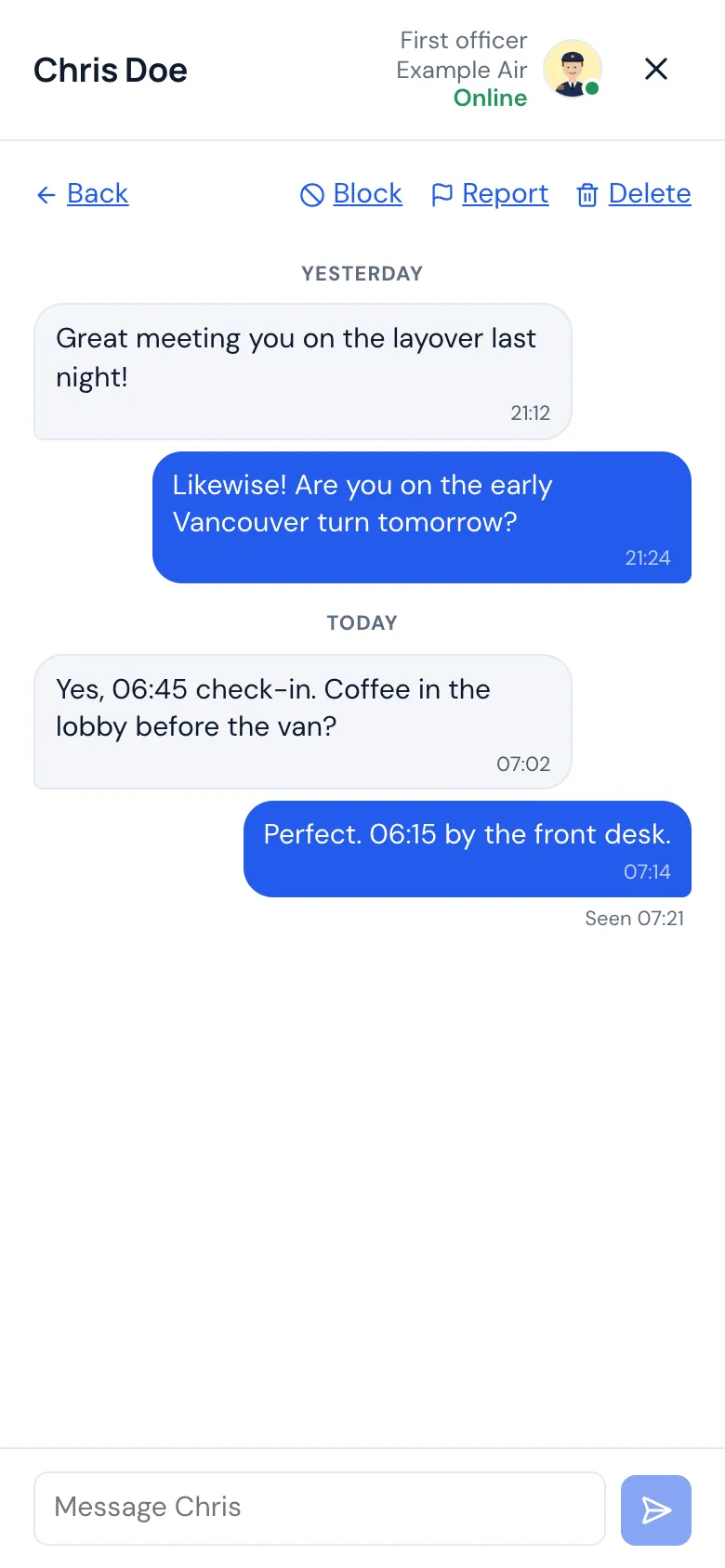
Message the crew you fly with, or everyone on the flight in its own chat, in the phone app. Find crew at your airline, and see who's free on a day.
Crew Places
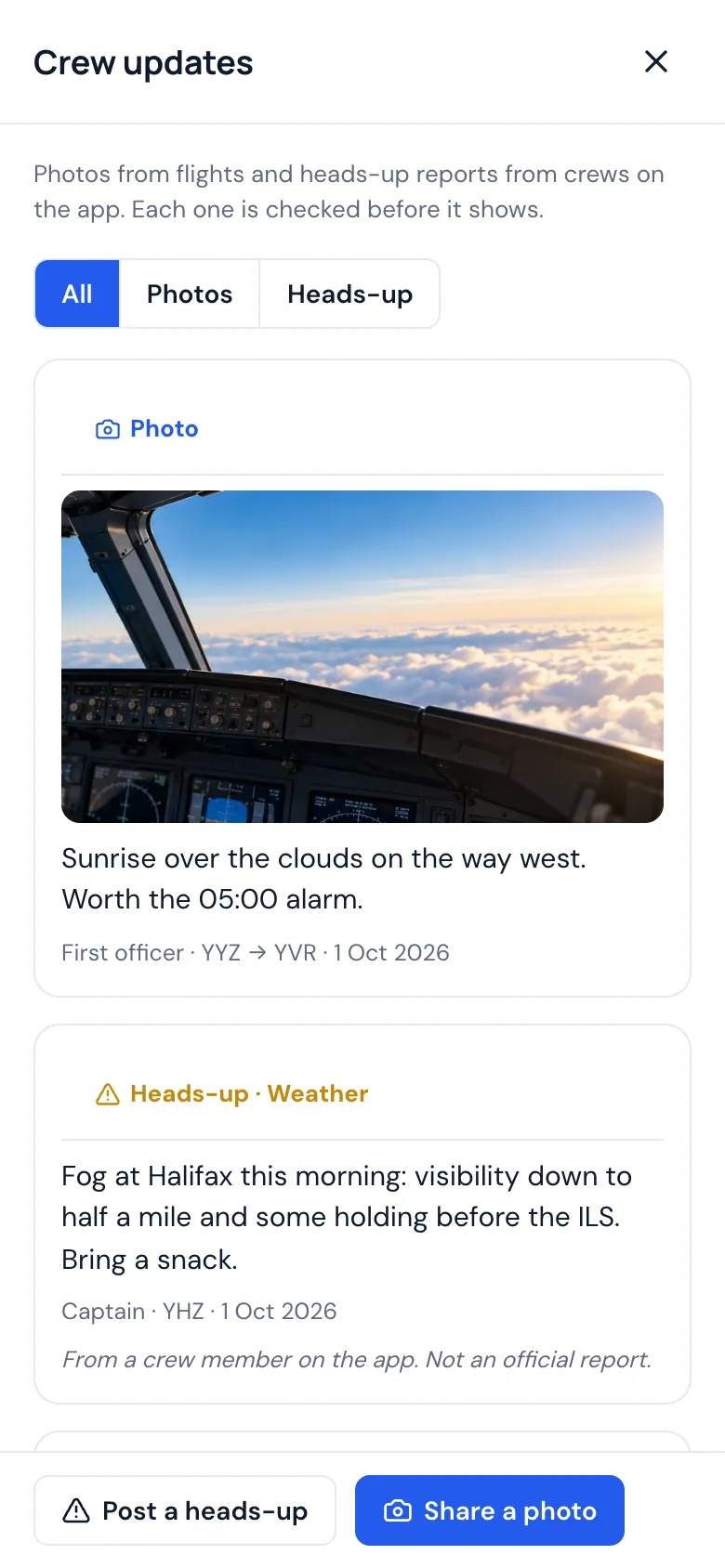
Restaurants, places to go, terminal food and city, hotel and airport notes from crews at every airline, with a name or with only a role and an airline, as each crew member chooses. Be the first to add a place crews should know about and, once it's approved, earn a free month, for when the app starts charging.
Family and friends
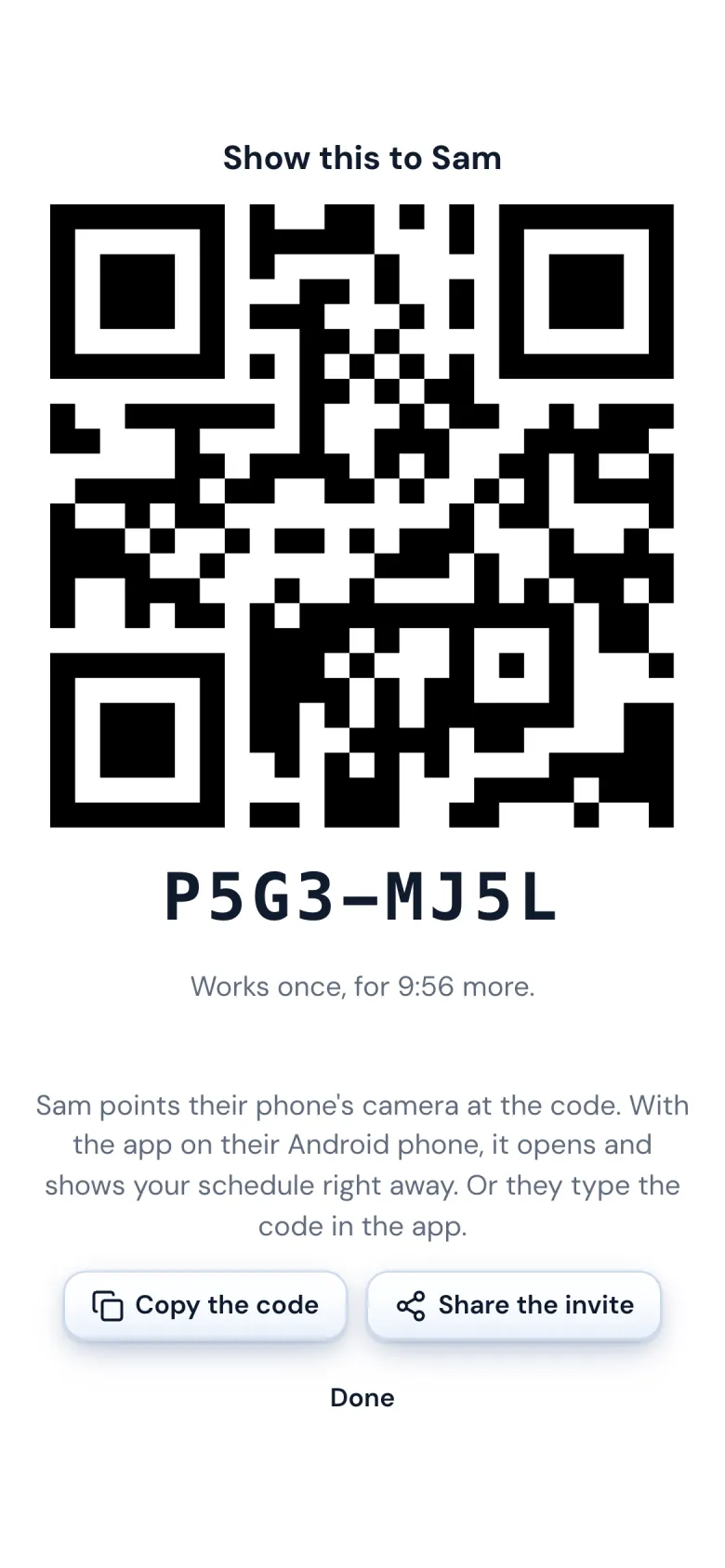
The people at home can follow your days on their own phone: in the air or on the ground. They never see your crew or your hotel.
Your format, printed like paper
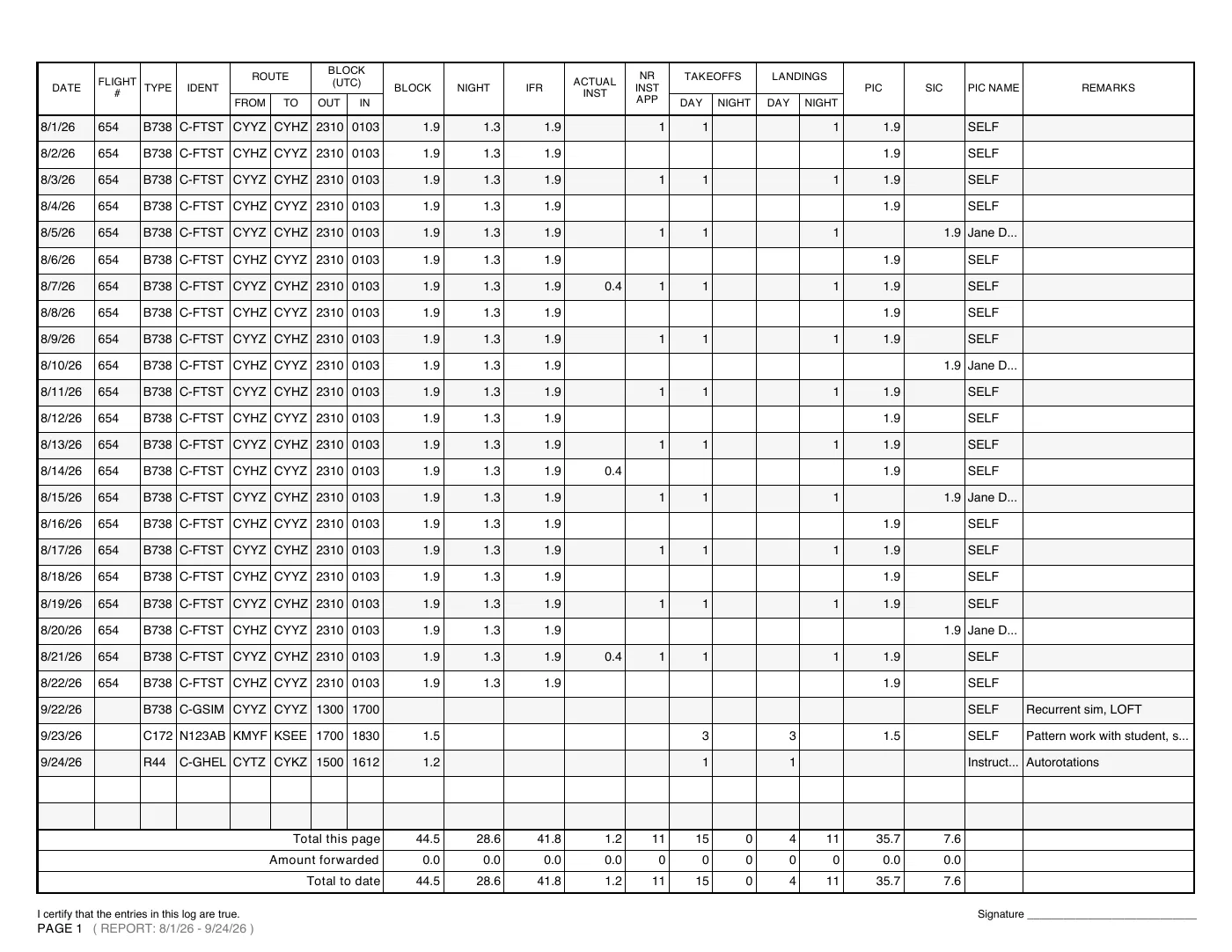
FAA, Transport Canada or EASA columns. Print classic logbook pages with your signature, or export to a spreadsheet. Bring your history from another logbook app or a spreadsheet.
Private and charter pilots
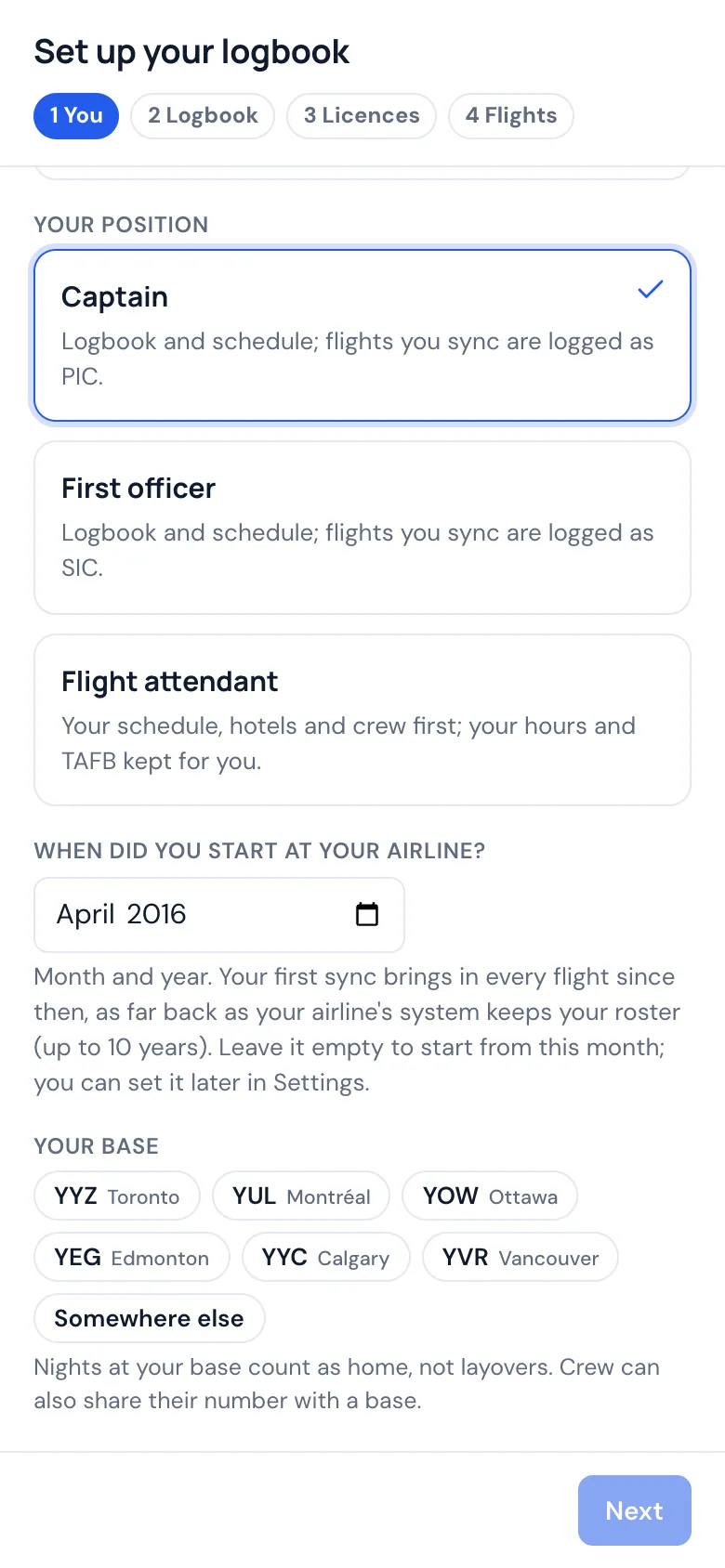
No airline to sync? Keep your logbook by hand or by import, with the same totals, currency, flight experience summary and printed pages.
Crew you trust
Keep a phone number or a note for colleagues, and share your schedule with crew at your airline only if you choose to.
Notifications
Messages, flight chats, delays and time to leave reach your phone or your computer, and you choose which ones.
Phone and computer
The iPhone app, the Android app and any web browser. Your schedule stays on your phone for when you're offline.
Private by design
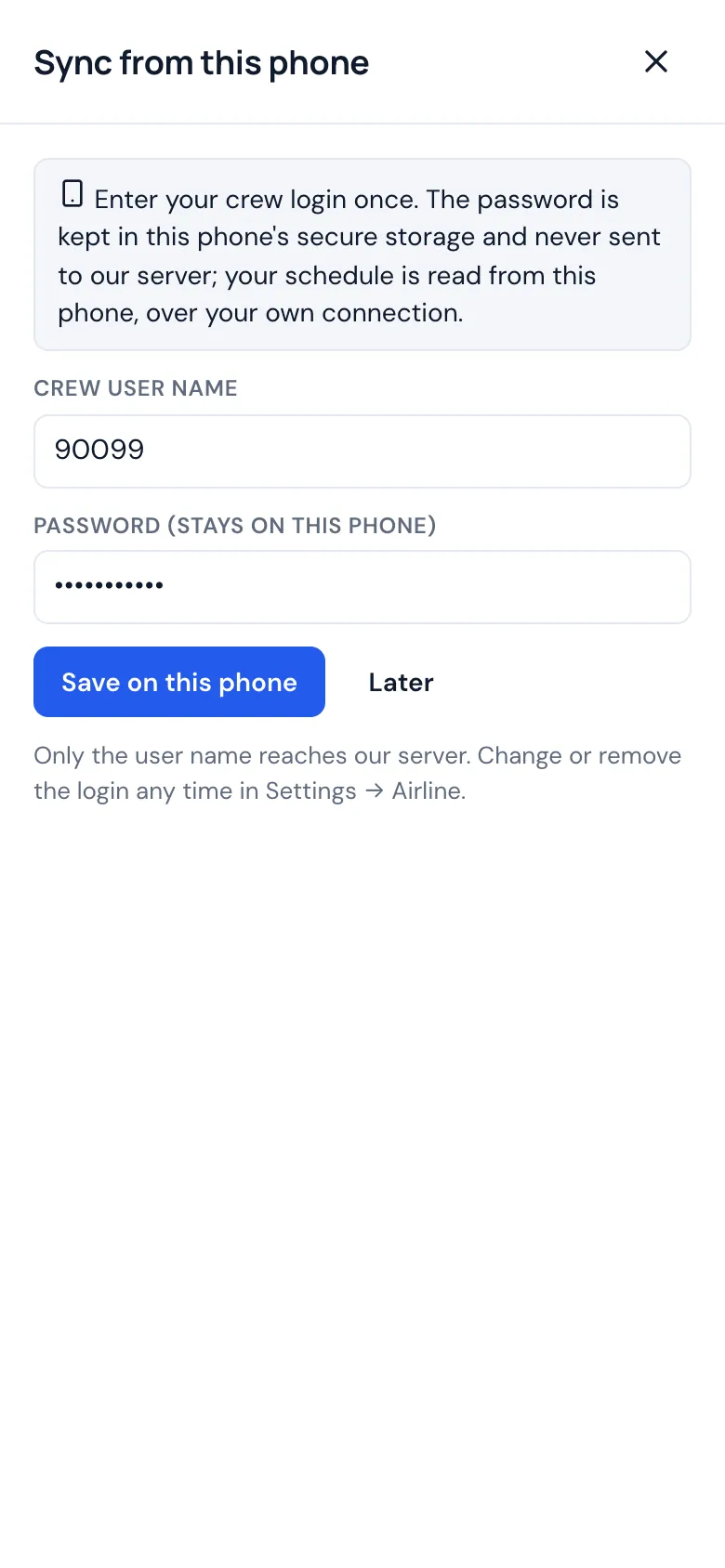
Your logbook is yours: never sold, never shared, exported any time. Sign in with a passkey or a code sent to your email, only on your own devices, and your airline password stays on your phone.
How it works
- Sign upSign up with your personal email, or join with a free access code. You sign in with a code sent to your email or a passkey: no password.
- Connect your airlineSave your crew login in the phone app, where it stays. If your airline doesn't sync yet, add flights by hand or import a file.
- Sync when you wantYour roster comes in with hotels and crew, and completed flights are logged for you. Check them, adjust anything, and print when you need to.
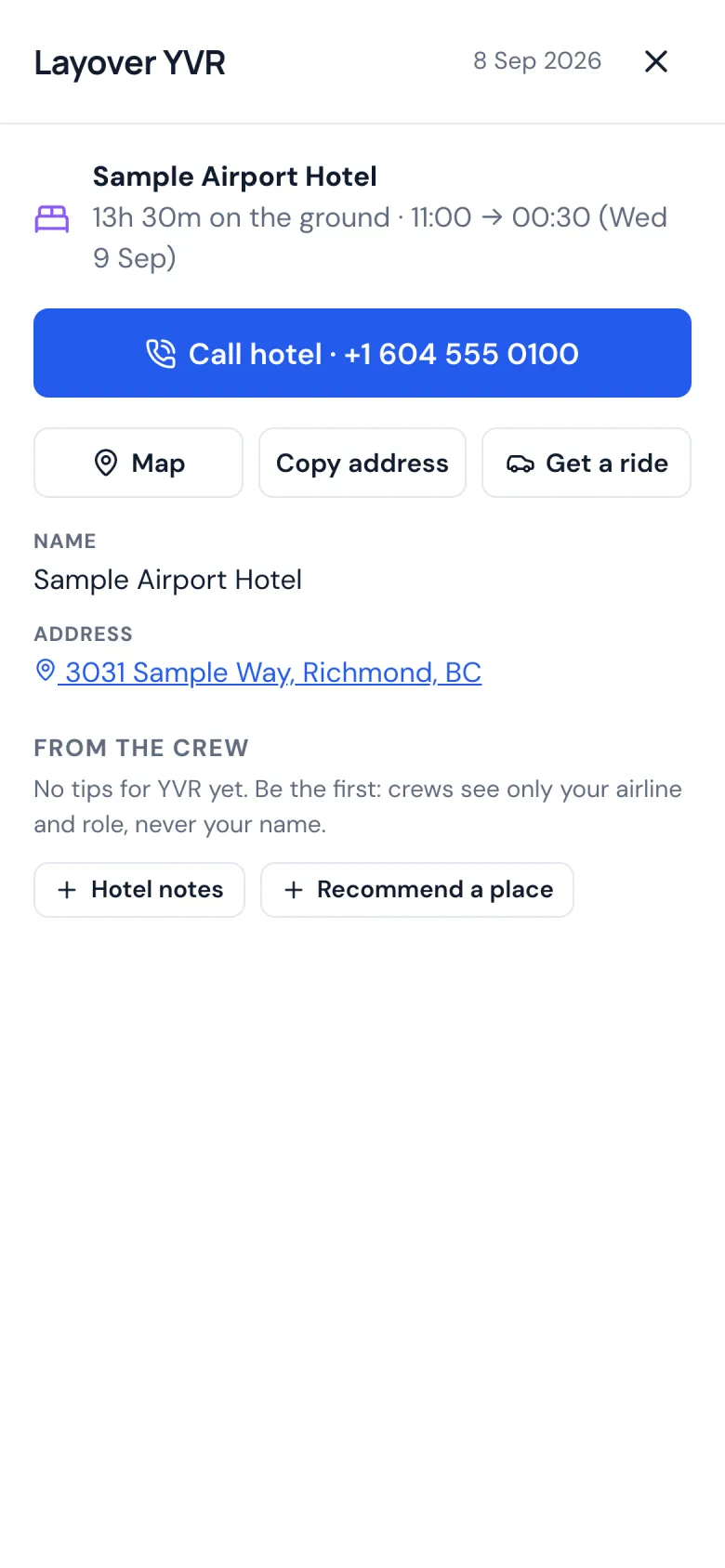
Your hotel, one tap away
Open your layover and tap Call hotel: no hunting for the number. Tap Get a ride and your ride app opens with the hotel already set as the destination, so getting back after dinner takes seconds. The map, the address and Crew Places for the city are right there too.
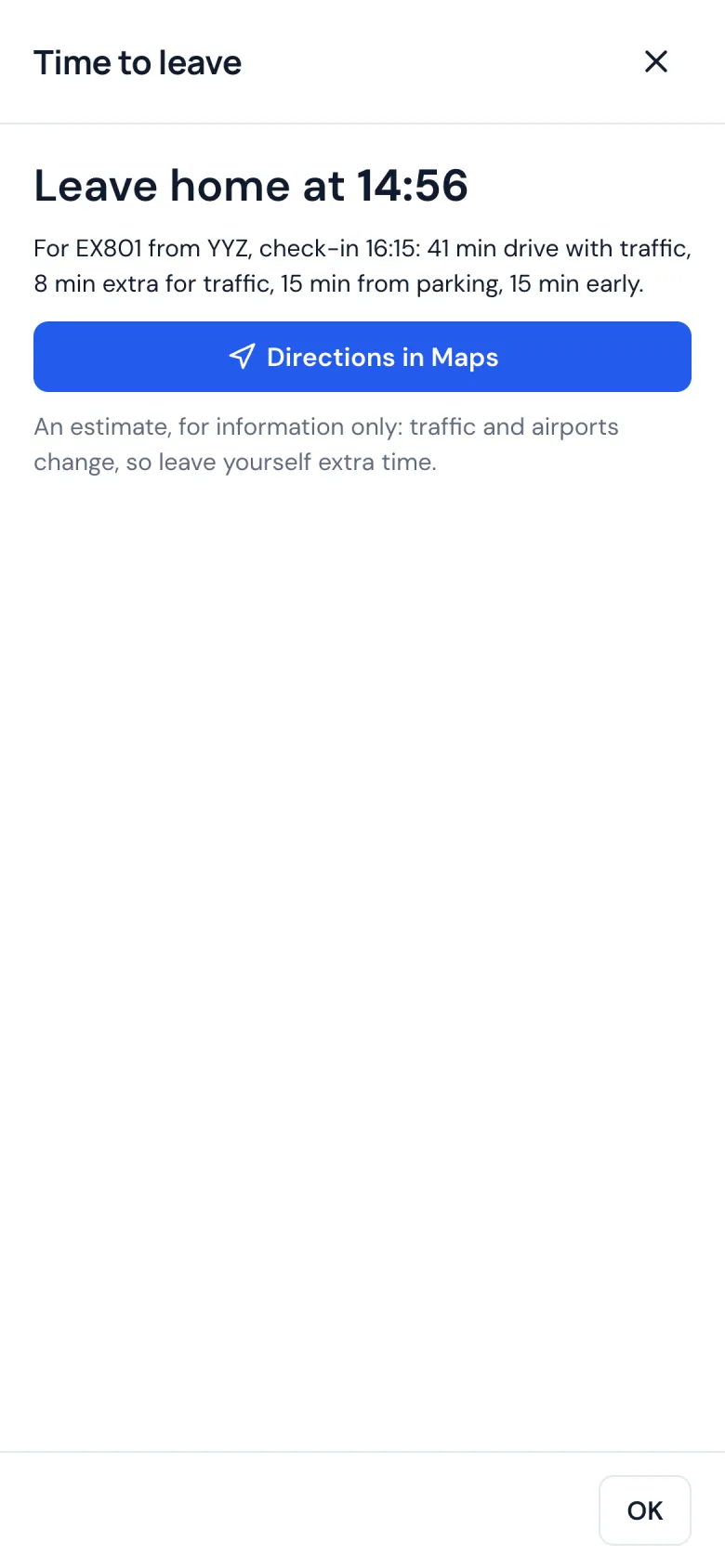
Know when to leave
Save your home and where you park once. For the first flight of each duty, Time to leave works out when to leave home with the traffic, the walk from parking and the extra time you choose, and sends you a notification. Your schedule shows Leave byon that flight too. One tap opens the directions.
Made for the way crews fly
Times are exact to the minute and shown the way you log them: tenths rounded the way you choose, hundredths, or hours and minutes. Pick UTC, local time or your base's time, ICAO or IATA codes, and what gets filled in for you, from pilot flying to relief time on long flights.
Print it like a paper logbook
Classic paper logbook pages for the FAA, the Transport Canada spread and the EASA logbook, with page totals, amounts forwarded and your signature on every page.
More in the app
Newer additions, all in the app today.
Flight status
Delay alerts
A notification on your phone or computer when the first flight of your day is running late, with the new time, the gate and where the aircraft is coming from. You can see where your aircraft is before you leave for the airport.
Private or charter pilot?
No airline needed. You get the same logbook: totals, currency, the flight experience summary and printed pages, with flights added by hand or imported from another logbook app or a spreadsheet.
Sign upIs your airline next?
The logbook learns a new airline from an example of its schedule. If yours doesn't sync yet, you can help: a short form, about 15 minutes on a computer. Once we've checked it works, you get free access as a thank-you.
Help add your airlineQuestions? Read the answers or see who built it.
Follow us on Instagram @gforcescheduling