 G Force Logbook and Scheduling
Airline crew schedule app
Your airline roster, synced to your phone.
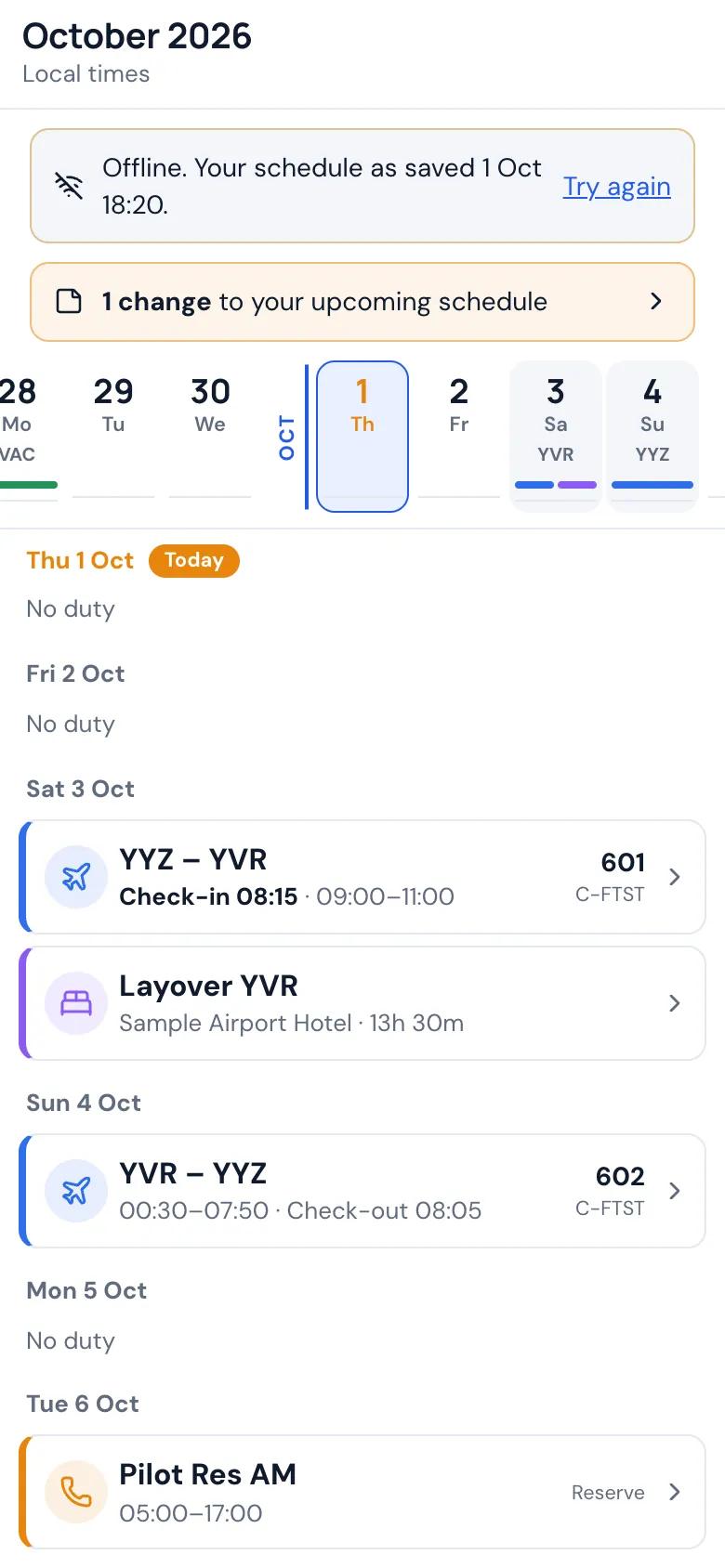
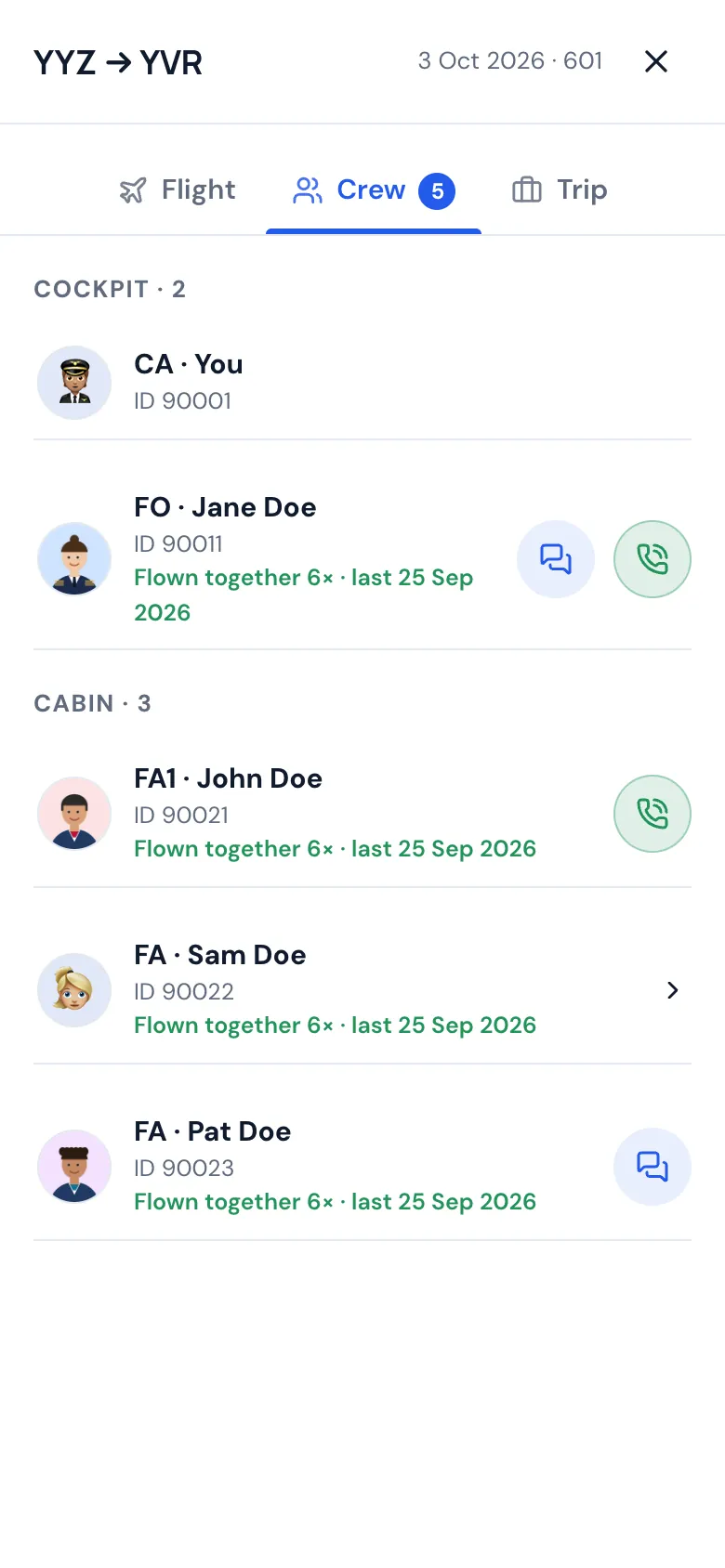
G Force Logbook and Scheduling reads your roster from your airline's crew website and shows it on your phone and computer: flights, duties, reserve, training and days off in local time, with check-in and check-out, layovers and hotels, the crew on every flight, and what changed since you last looked.
Updated November 2026.

Everything on your roster, laid out for crew
Sync when you want
Tap Sync on your phone and the app reads your roster with your own sign-in. It also reads next month once it's out. Syncing only reads; your airline's system stays the official record.
Month, Compact, Agenda and Today
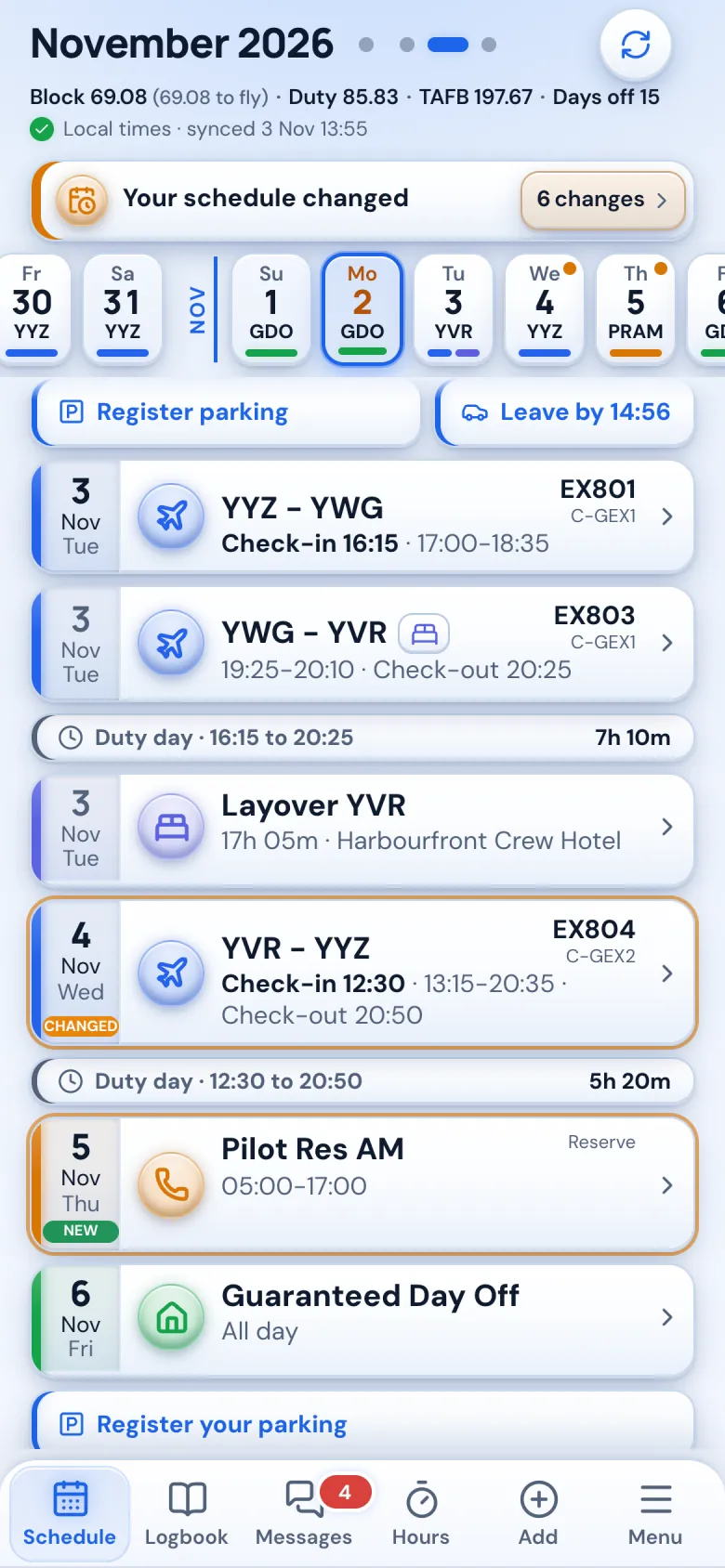
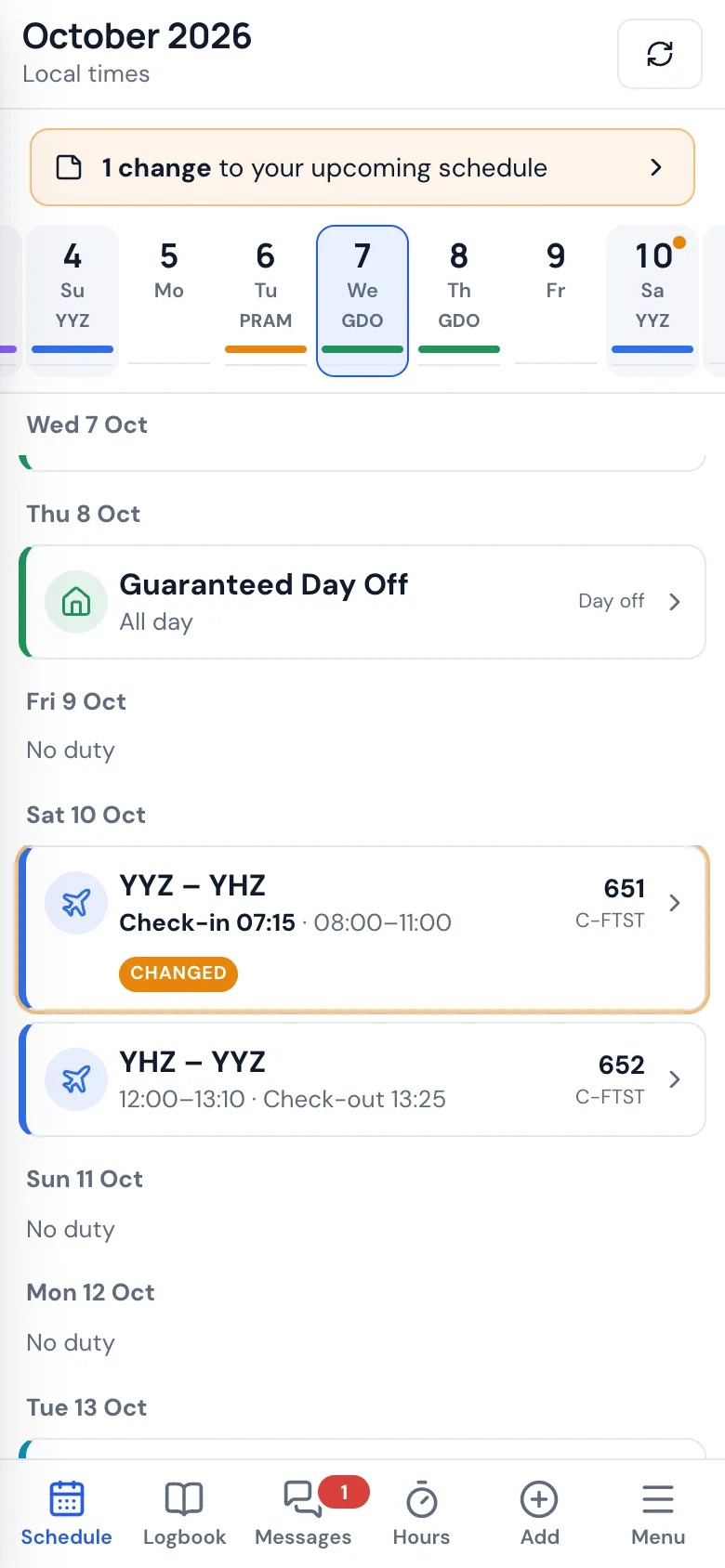
The month as a calendar, the whole month as one line a day, the agenda, or just today: swipe between them. What changed since your last sync is highlighted until you mark it seen.
Layovers and hotels
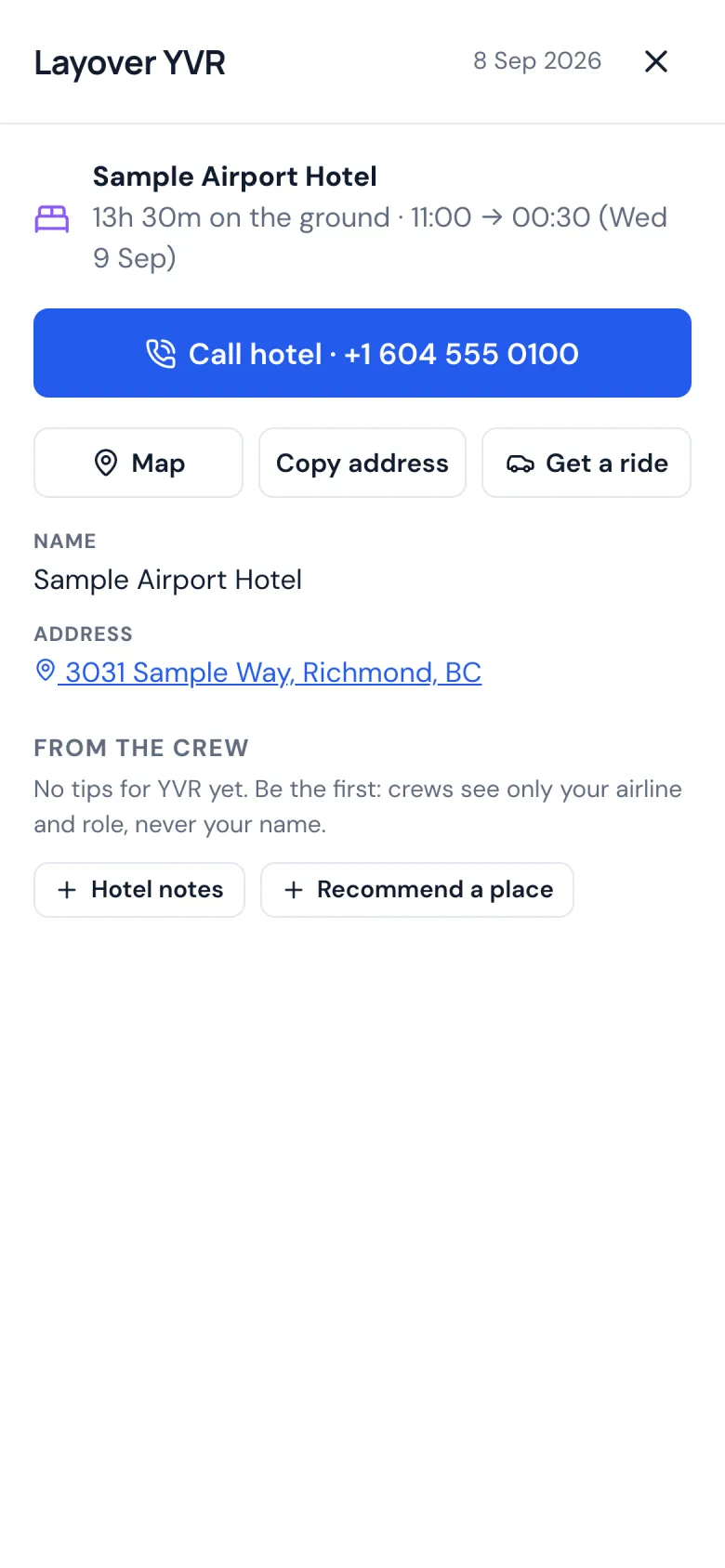
Your hotel with a big call button, the map, the address to copy, a ride back in your ride app, and reviews of the hotel from crews who stayed there.
Who you're flying with
The crew on every flight, how often you have flown together, and your own notes and numbers for colleagues, which only you see.
Time to leave
A notification when it's time to leave home for check-in, worked out with the traffic and your walk from parking.
Delay alerts
A notification when the first flight of your day is running late, with the new time, the gate and where the aircraft is coming from.
Flight chats and Who's free
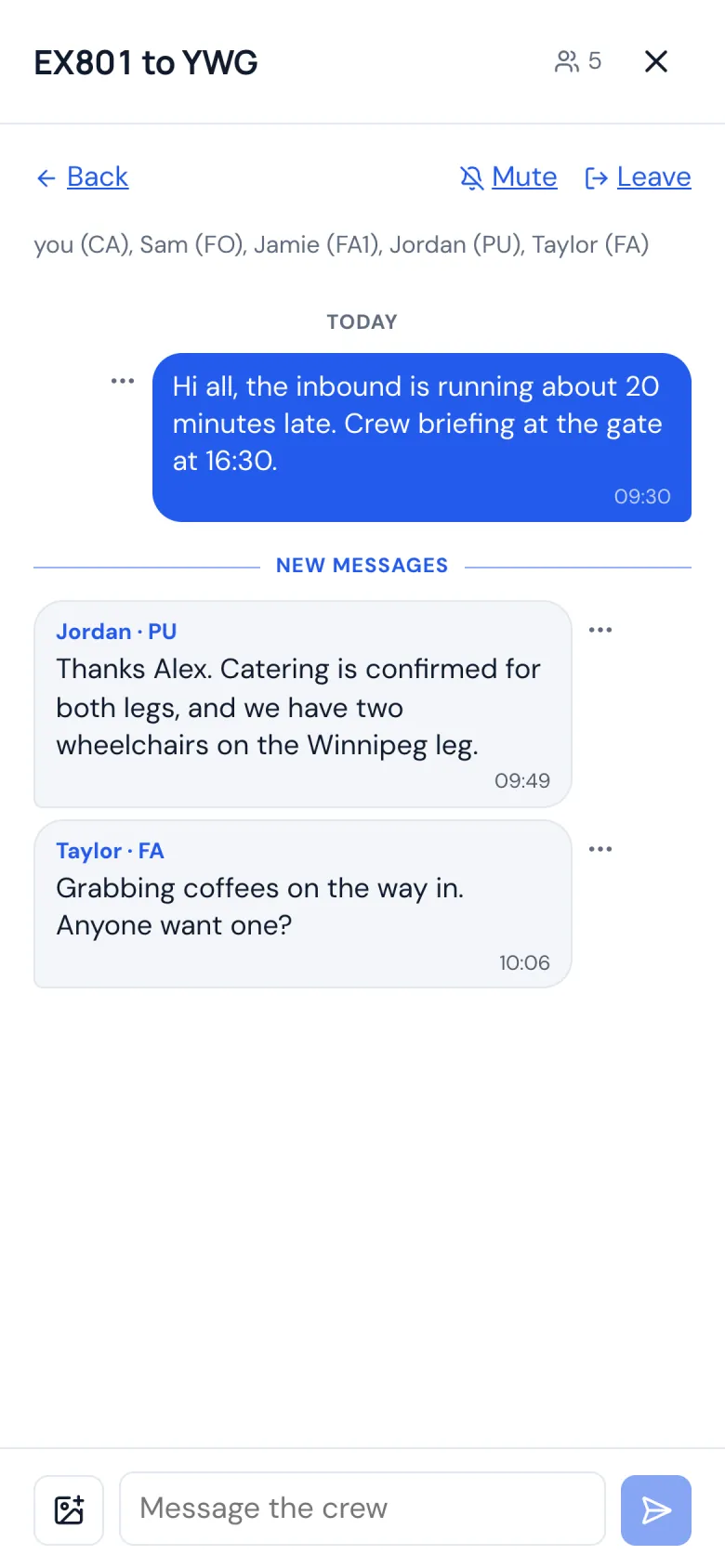
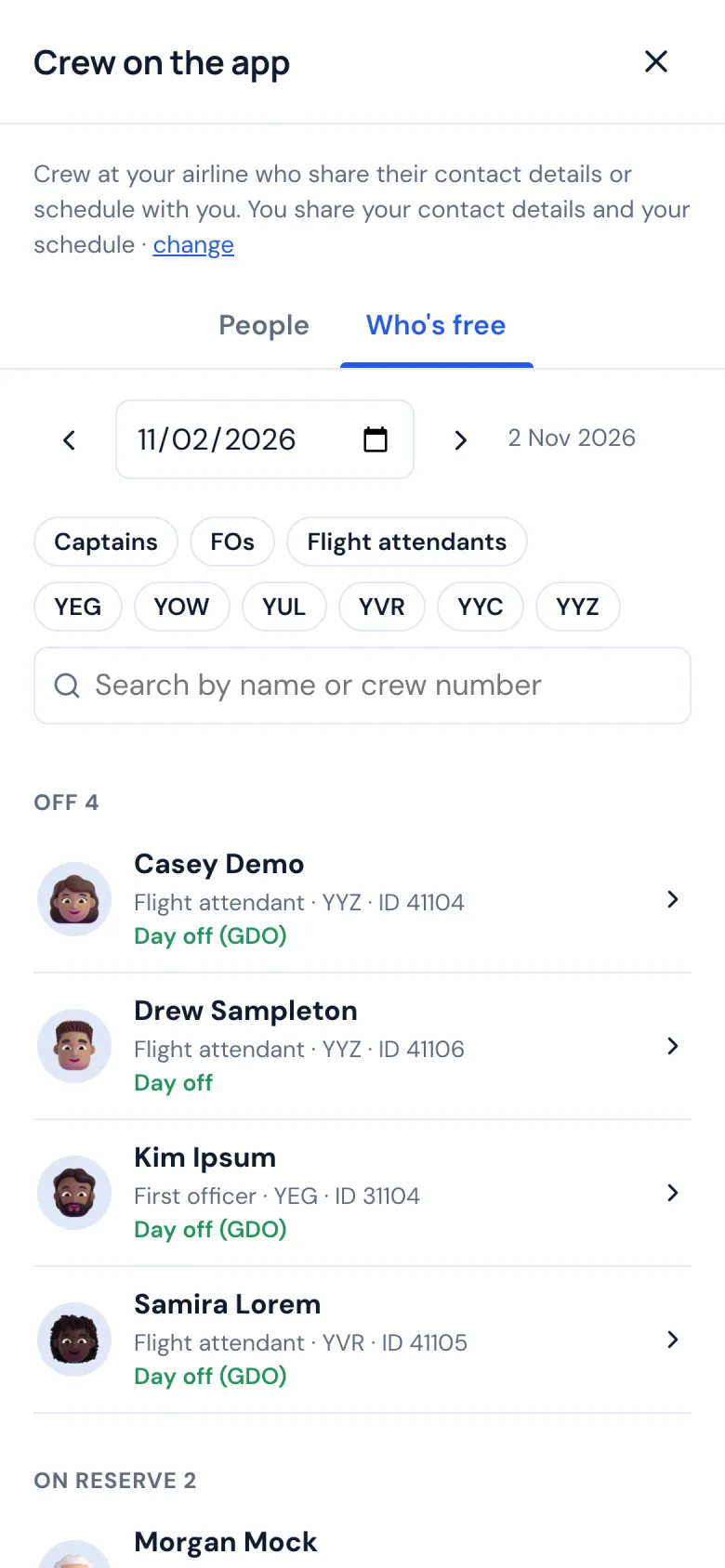
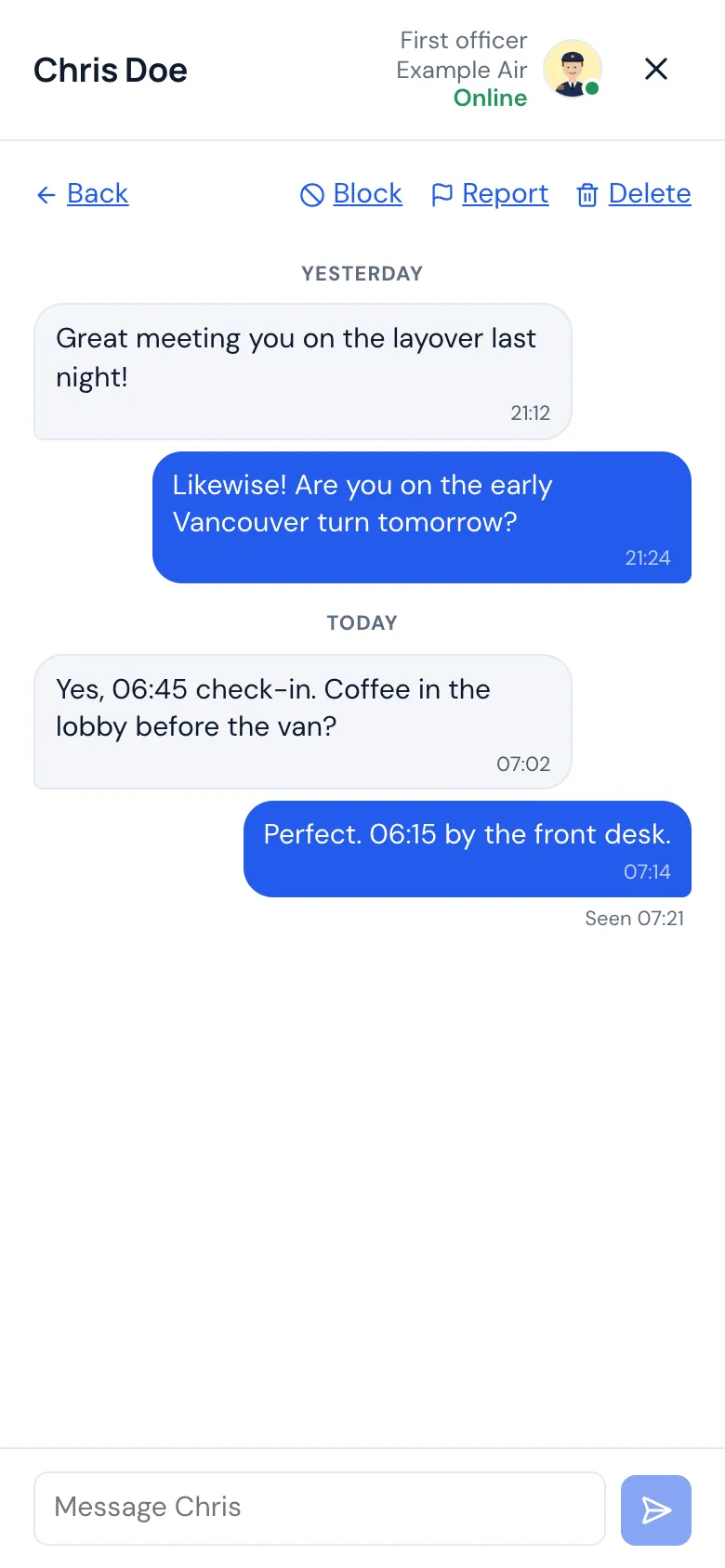
A chat for everyone on the flight who has the app, find crew at your airline, and see who's off, on reserve or flying on a day among colleagues who share with you.
Hours and TAFB
Hours this month and this year, and time away from base for per diem, month by month and trip by trip.
On your phone, even offline
The iPhone app, the Android app and any web browser. Your schedule stays on your phone for when there's no signal.
Family and friends
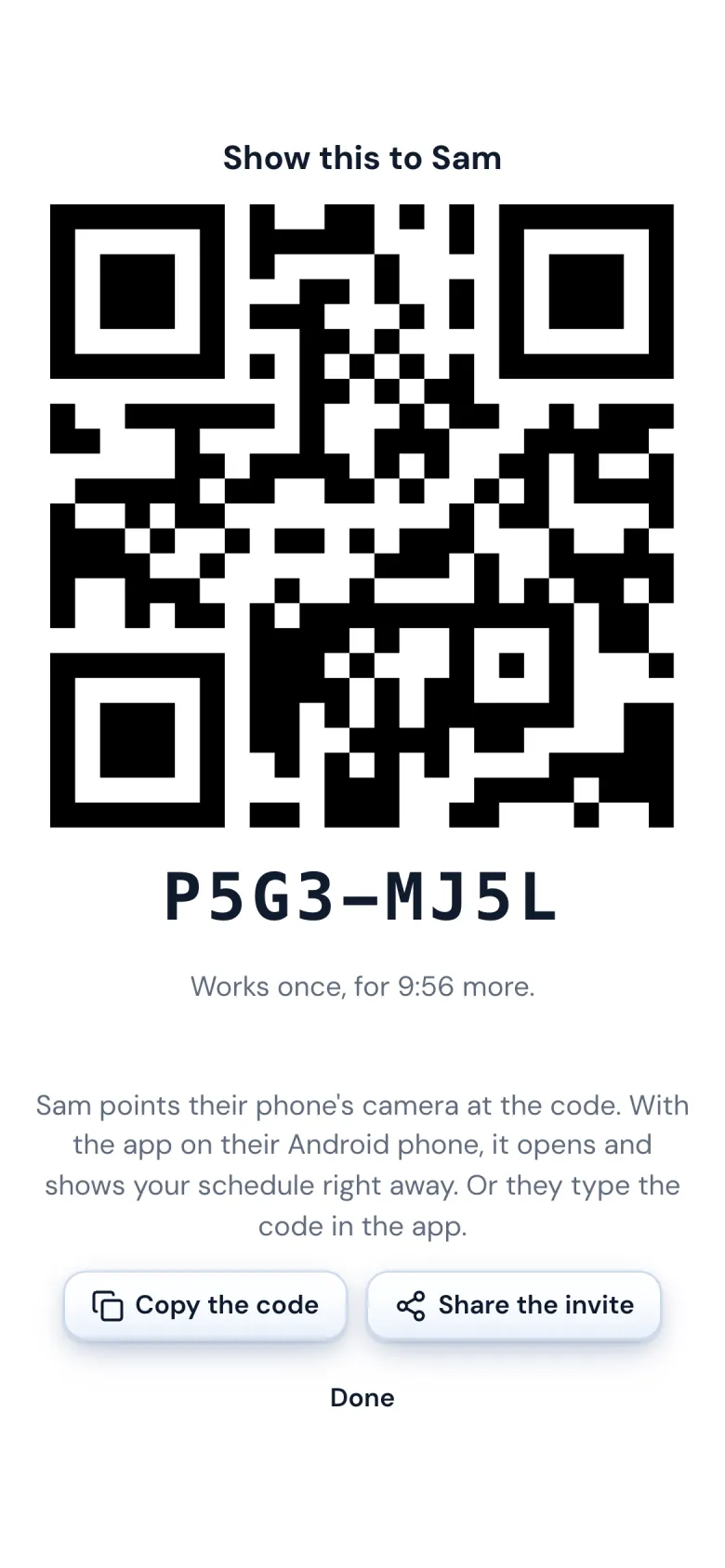
The people at home can follow your days on their own phone, in the air or on the ground, and never see your crew or your hotel.
Crew Places
Restaurants, places to go, terminal food and city, hotel and airport notes from crews at every airline. Be the first to add a place crews should know about and, once it's approved, earn a free month, for when the app starts charging.
Share only if you want
Your schedule and number stay private unless you choose to share them, with exactly the crew you pick.
Your day, at a glance
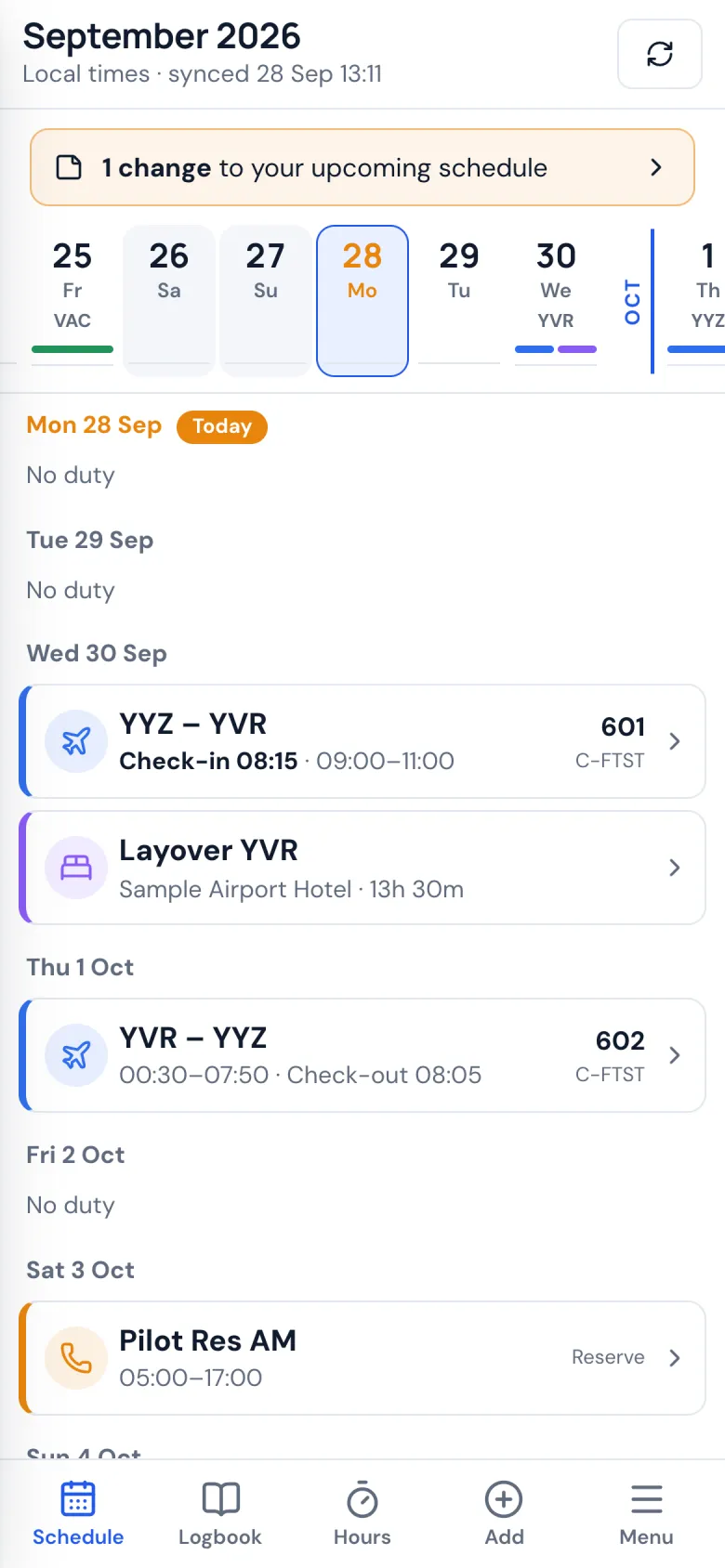
A strip of days across the top and your duties below, in the local time of each airport. Reserve, training, vacation and days off are shown for what they are, and nights at your base count as home, not layovers.
Your hotel, one tap away
Open your layover and tap Call hotel. Tap Get a ride and your ride app opens with the hotel as the destination. Crew Places for the city is right there too: restaurants, places near your hotel, terminal food and notes from crews at every airline.
More for your schedule
Is your airline next?
Roster sync reads the crew scheduling systems of a few airlines so far, and more are on the way. The app learns a new airline from an example of its schedule, which takes about 15 minutes to send from a computer. Once we've checked it works, you get free access as a thank-you.
Help add your airline