 G Force Logbook and Scheduling Sign in
For airline pilots and flight attendants
Your logbook and your schedule, in one place.
G Force Logbook and Scheduling is a pilot logbook and crew schedule app. It reads your roster from your airline and keeps your logbook for you: every flight with its block times, night time and landings, your trips, layovers and crew, and your hours, on your phone and your computer. Built by an airline pilot.
Web and Android · iPhone on the way · By invitation for now, with more airlines on the way.
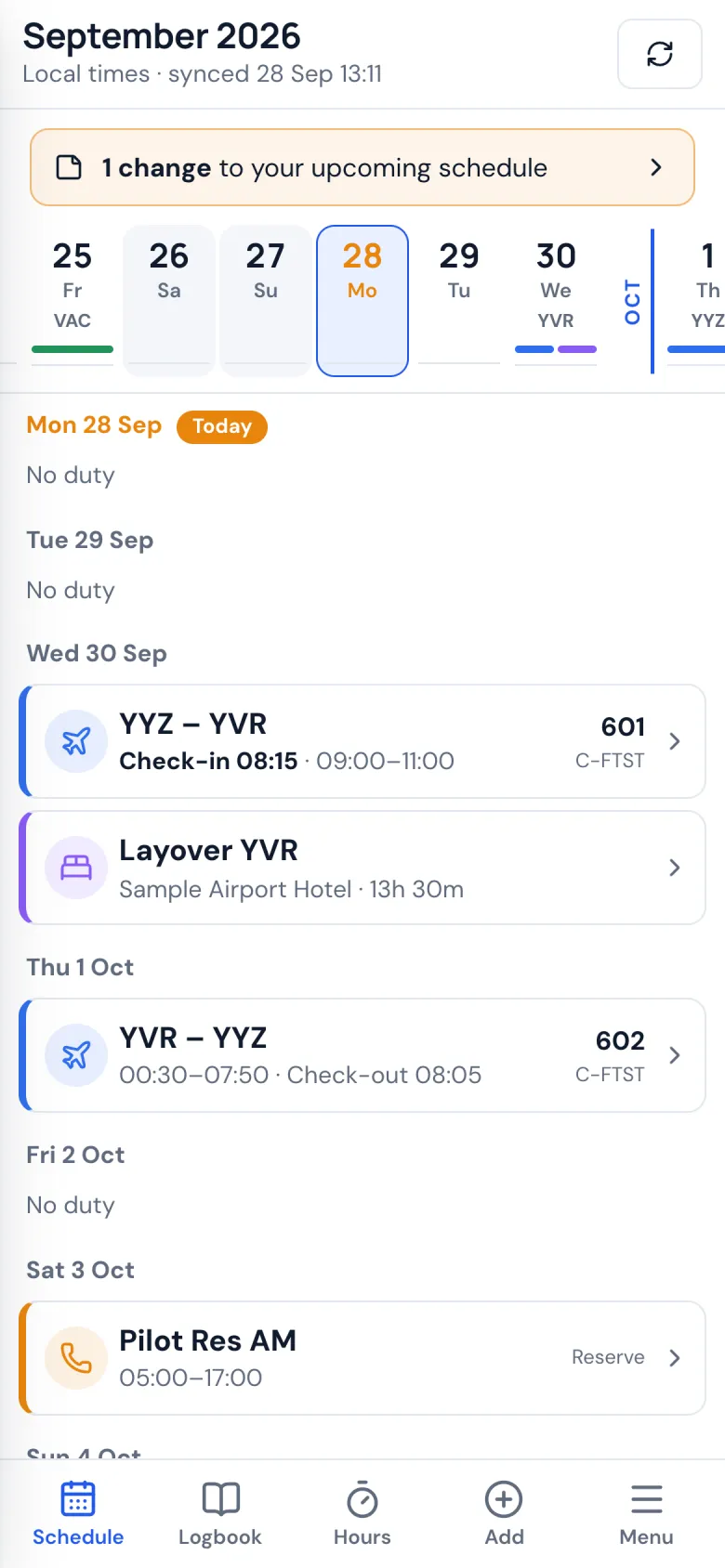
Everything from your roster, done for you
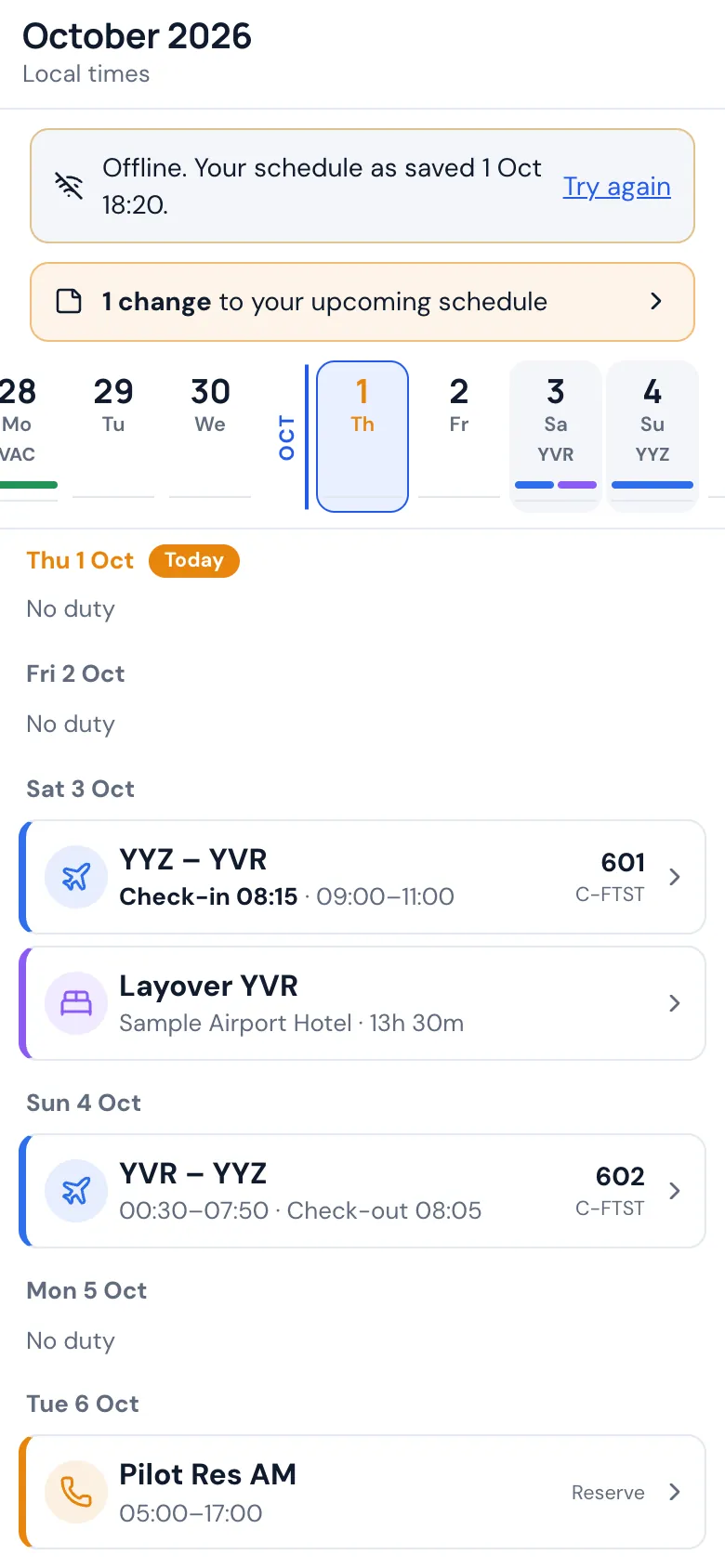
Your roster, synced
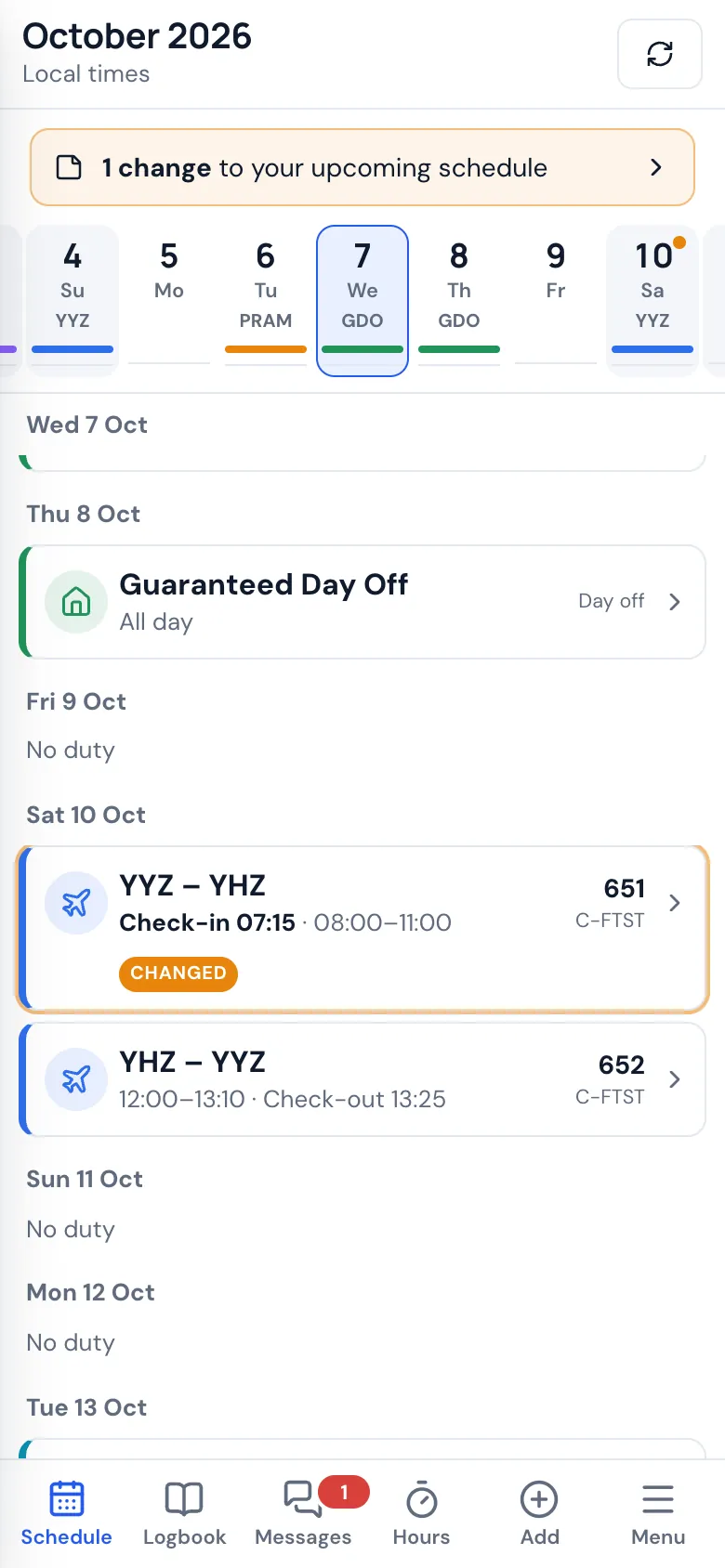
Flights, duties, days off, reserve and training from your airline's crew website. You sync when you want, from your phone, with your own sign-in.
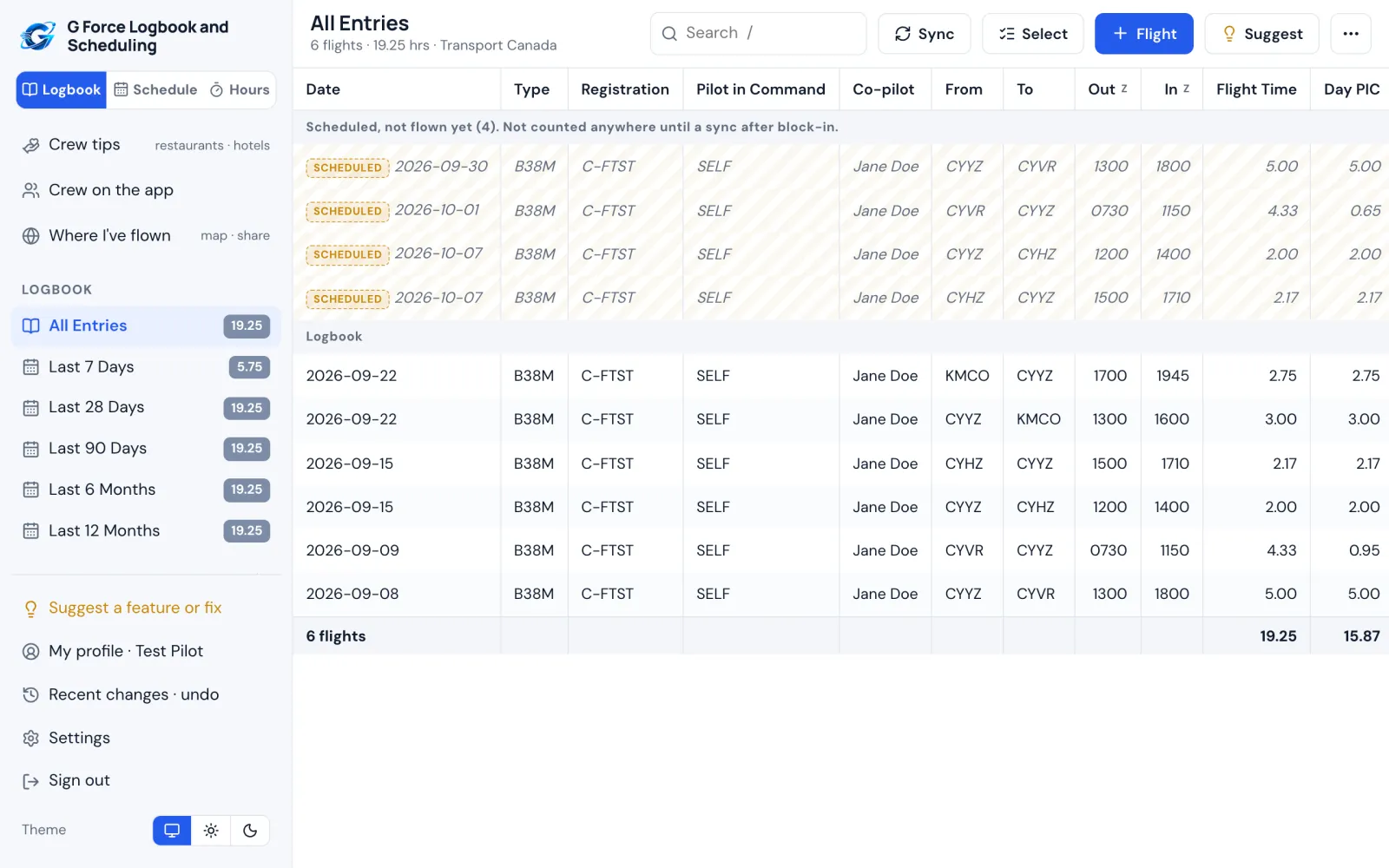
A logbook that fills itself
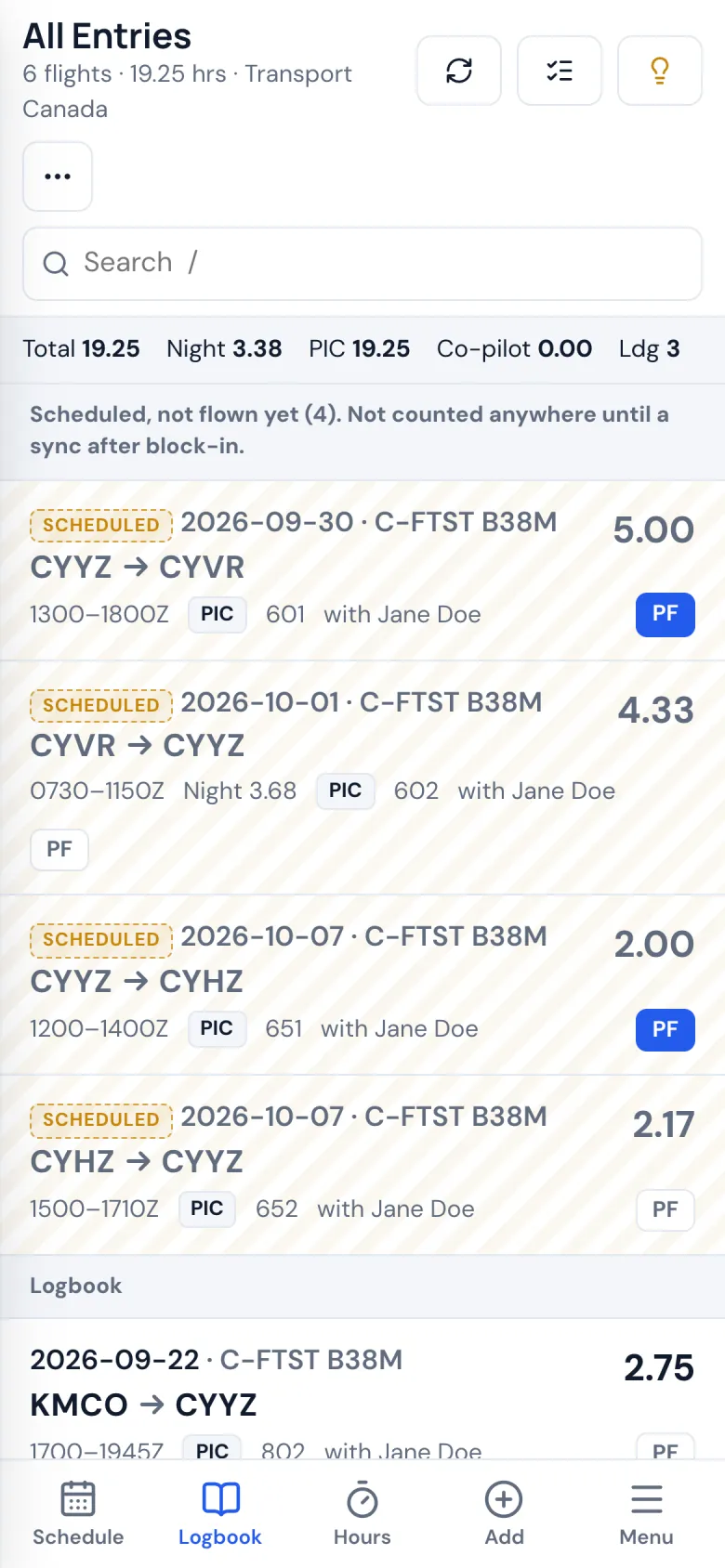
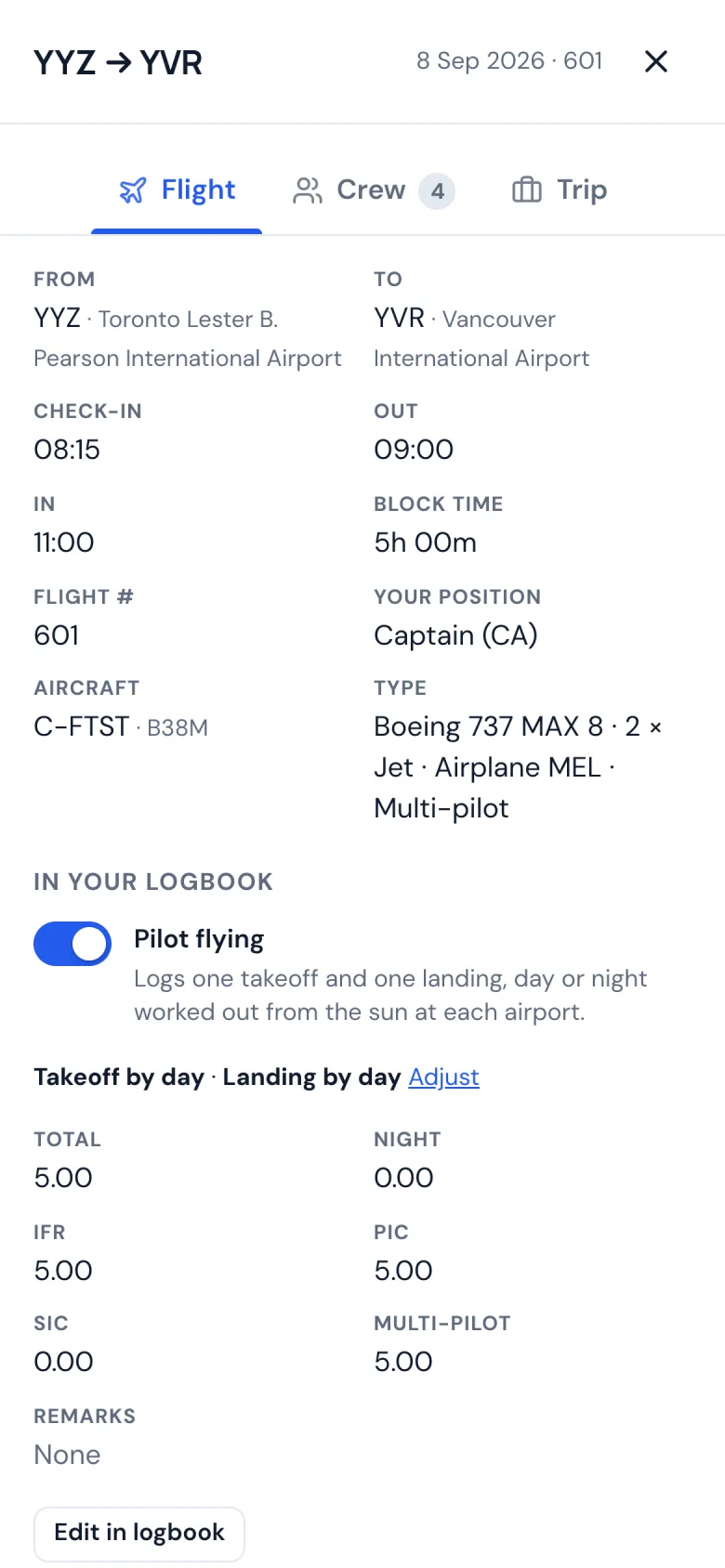
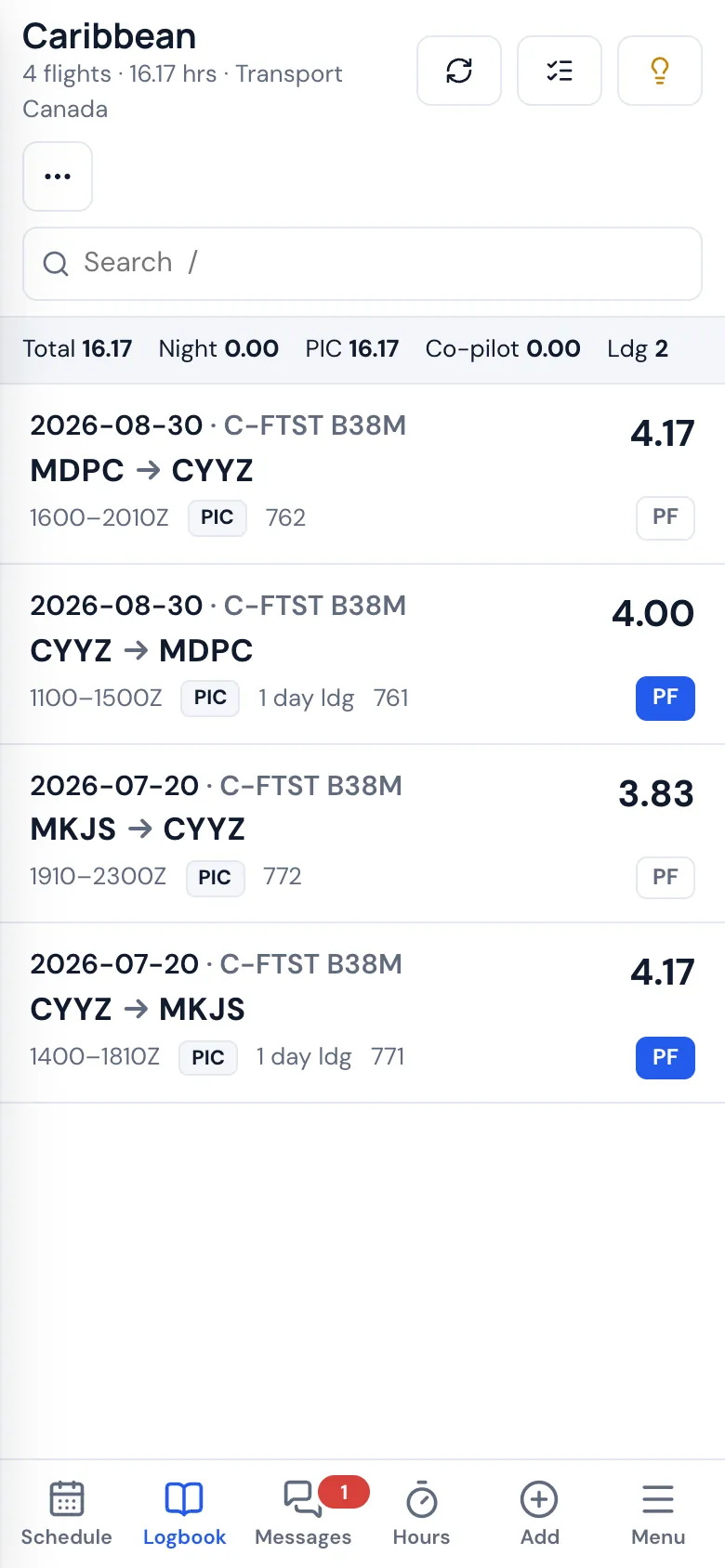
Every flight logged from the roster: block times, night time worked out along the route, takeoffs and landings by day or night, and the crew you flew with.
Trips, layovers and crew
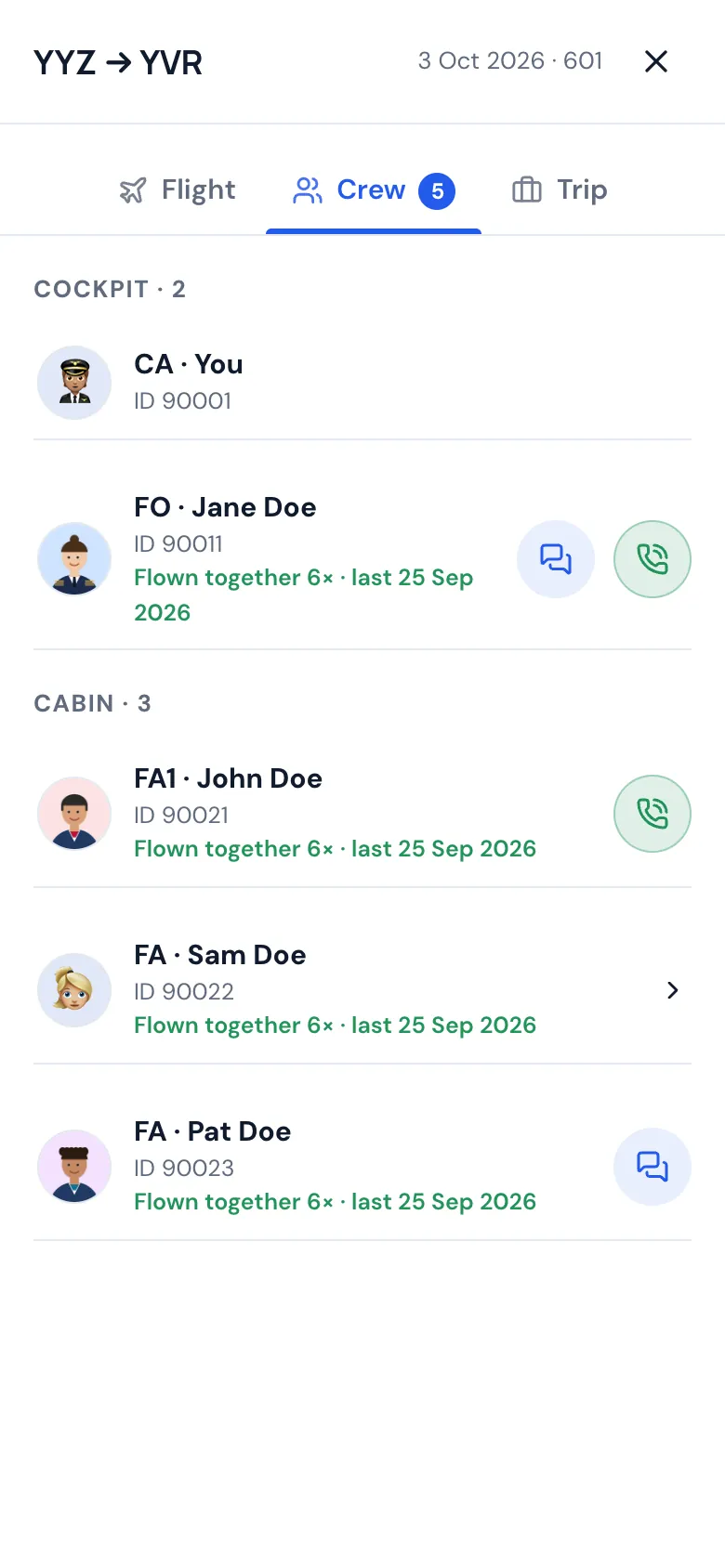
Who you're flying with, your hotel one tap from a call or a ride back, and what changed on your schedule since you last looked.
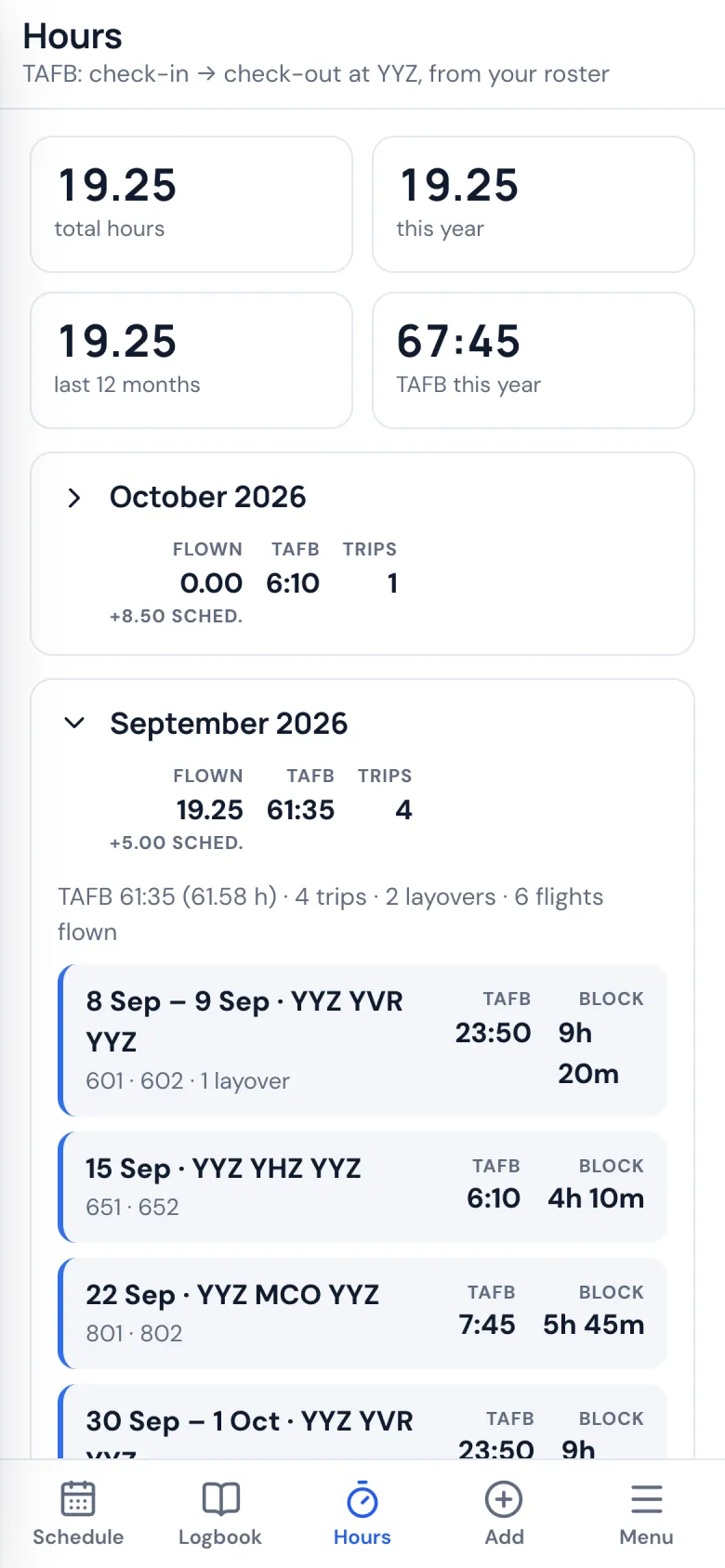
Hours, limits and TAFB
Flight time limits and currency, and time away from base for per diem, added up month by month.
Your format, printed like paper
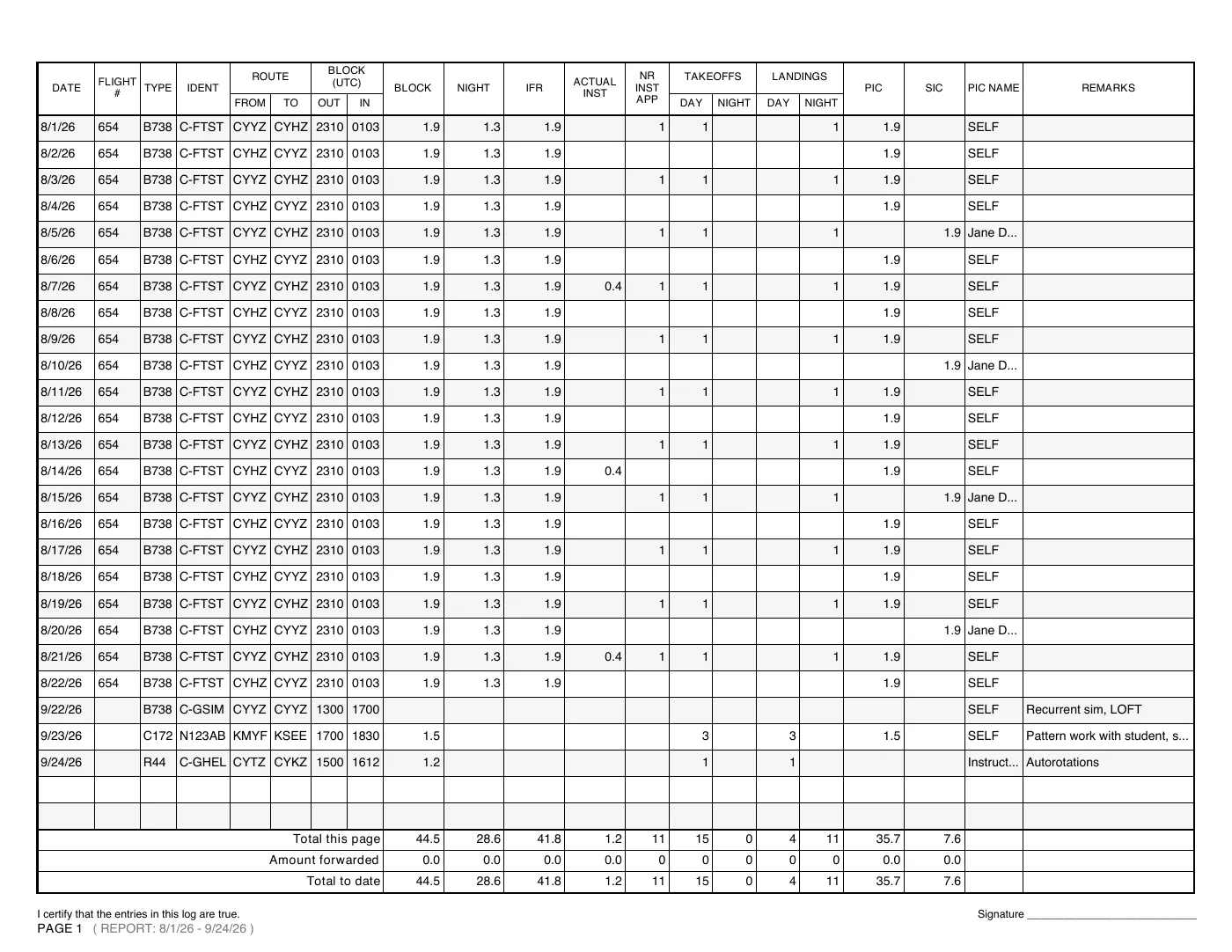
FAA, Transport Canada or EASA columns. Print classic logbook pages with your signature, or export to a spreadsheet. Bring your history from another logbook app or a spreadsheet.
Phone and computer
The Android app and any web browser, with the iPhone app on the way. Your schedule stays on your phone for when you're offline.
Crew Places
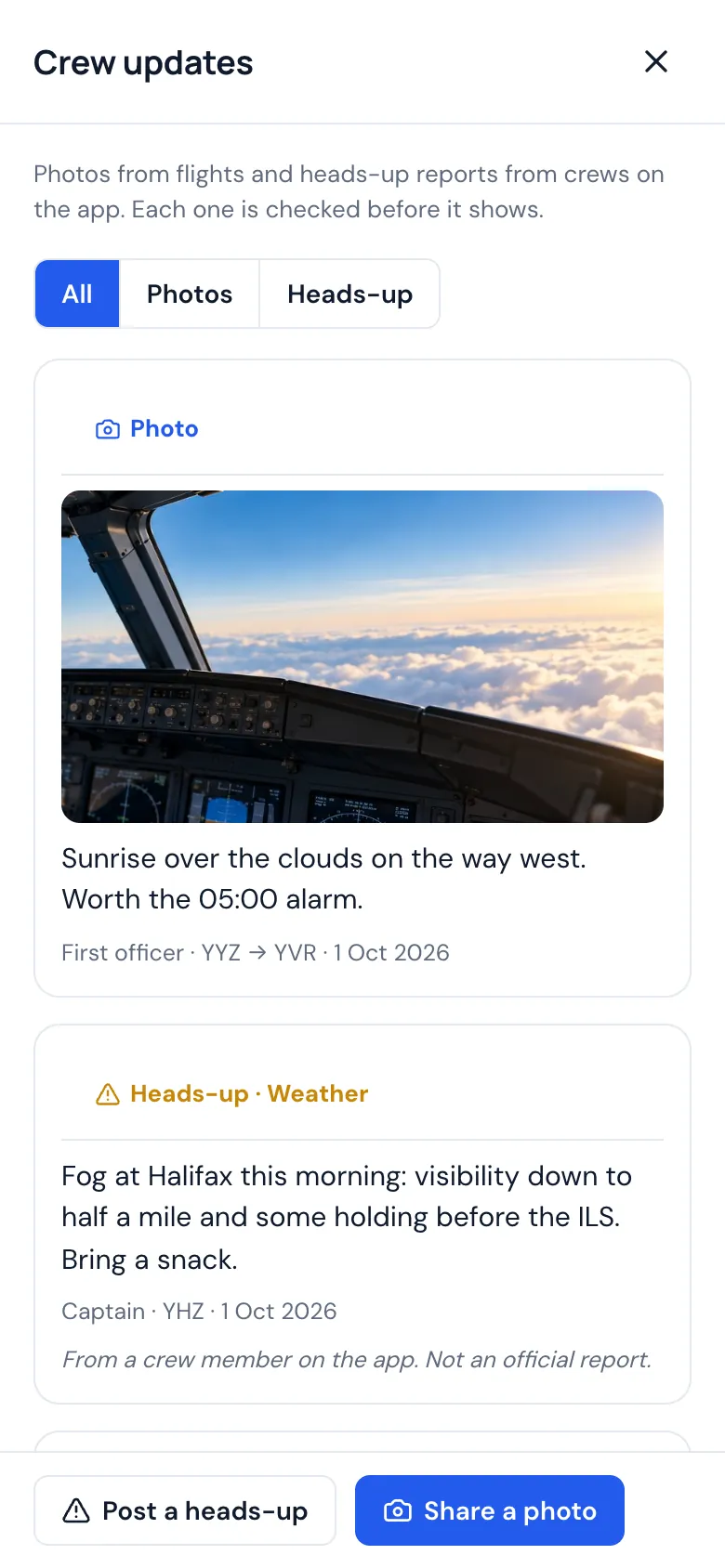
Restaurants, places to go, terminal food and city, hotel and airport notes from crews at every airline, with a name or with only a role and an airline, as each crew member chooses. Be the first to add a place crews should know about and, once it's approved, earn a free month, for when the app starts charging.
Crew you trust
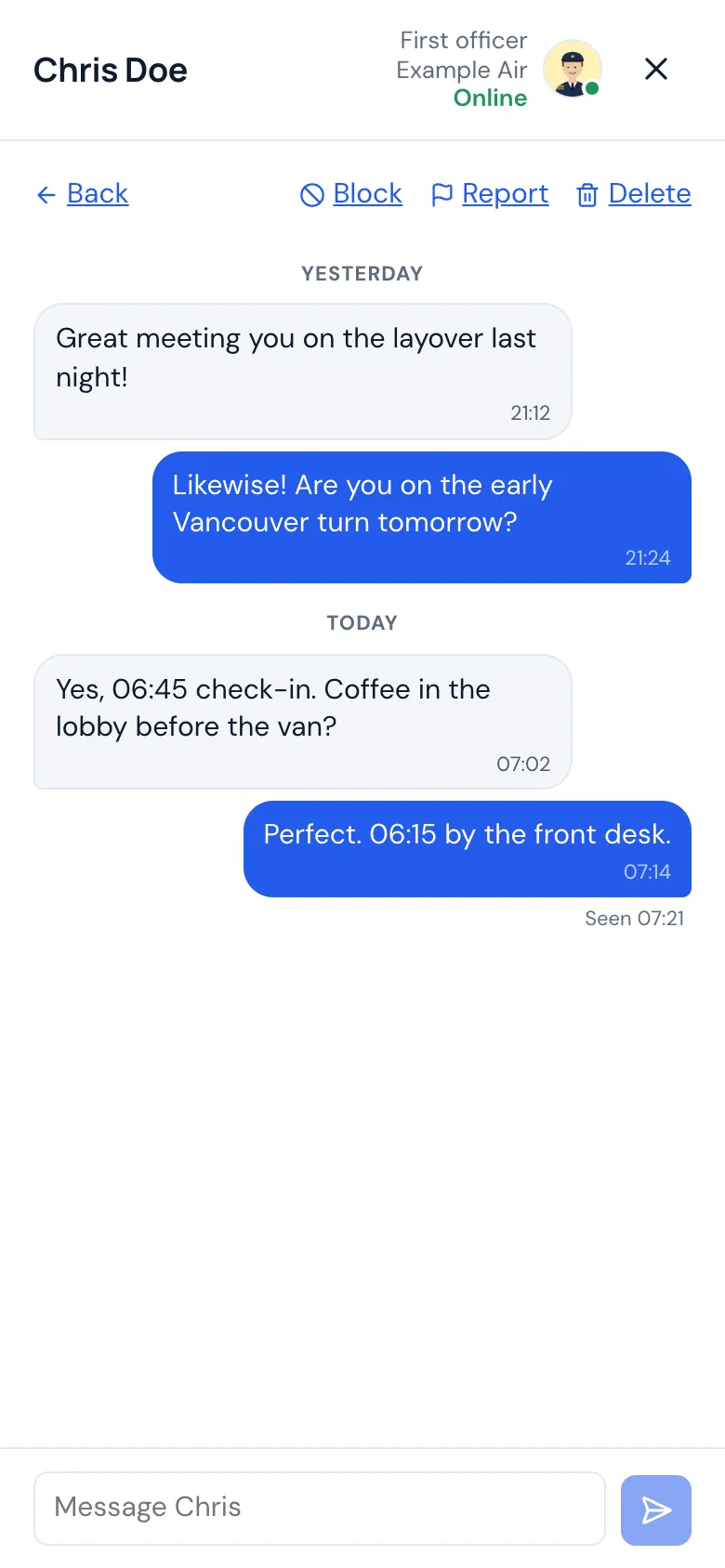
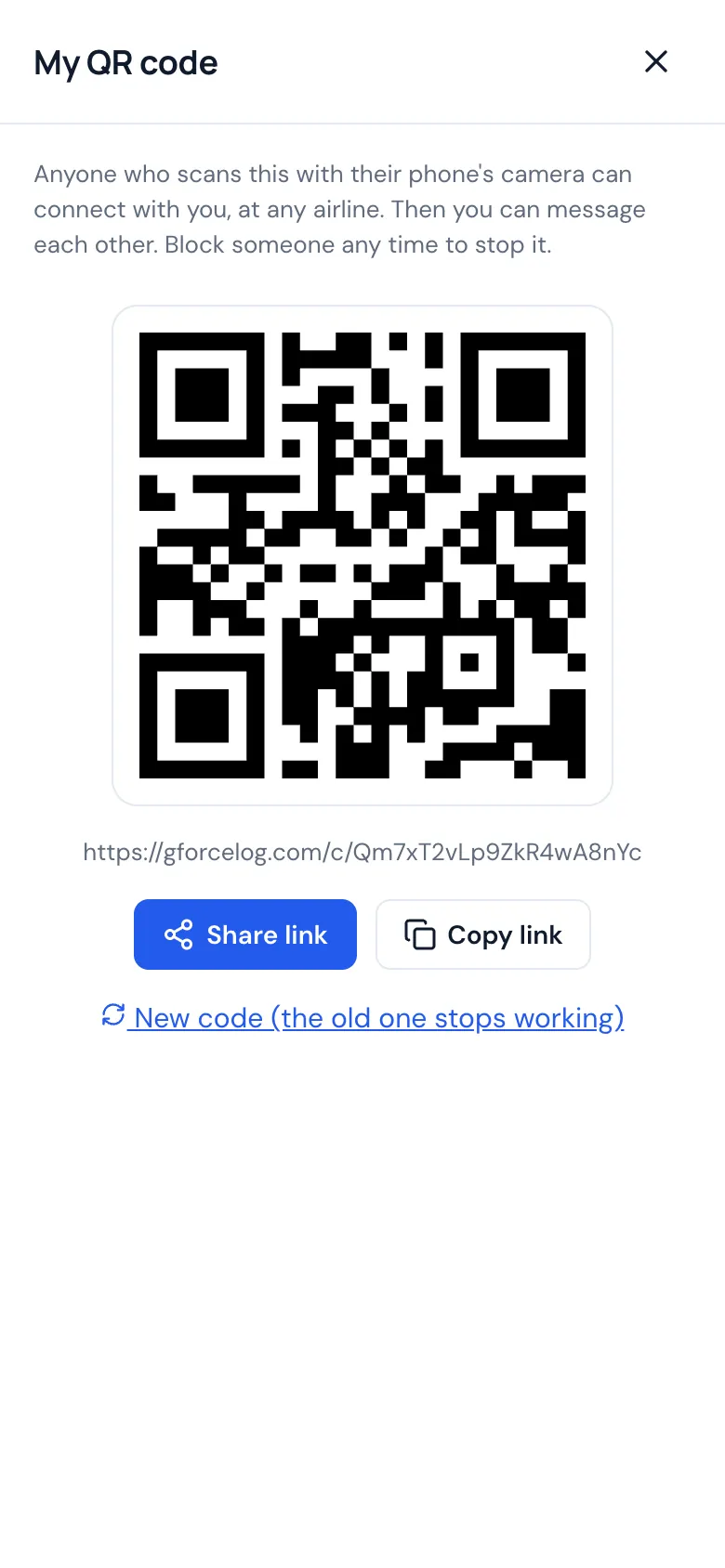
Keep a phone number or a note for colleagues, and share your schedule with crew at your airline only if you choose to.
Private by design
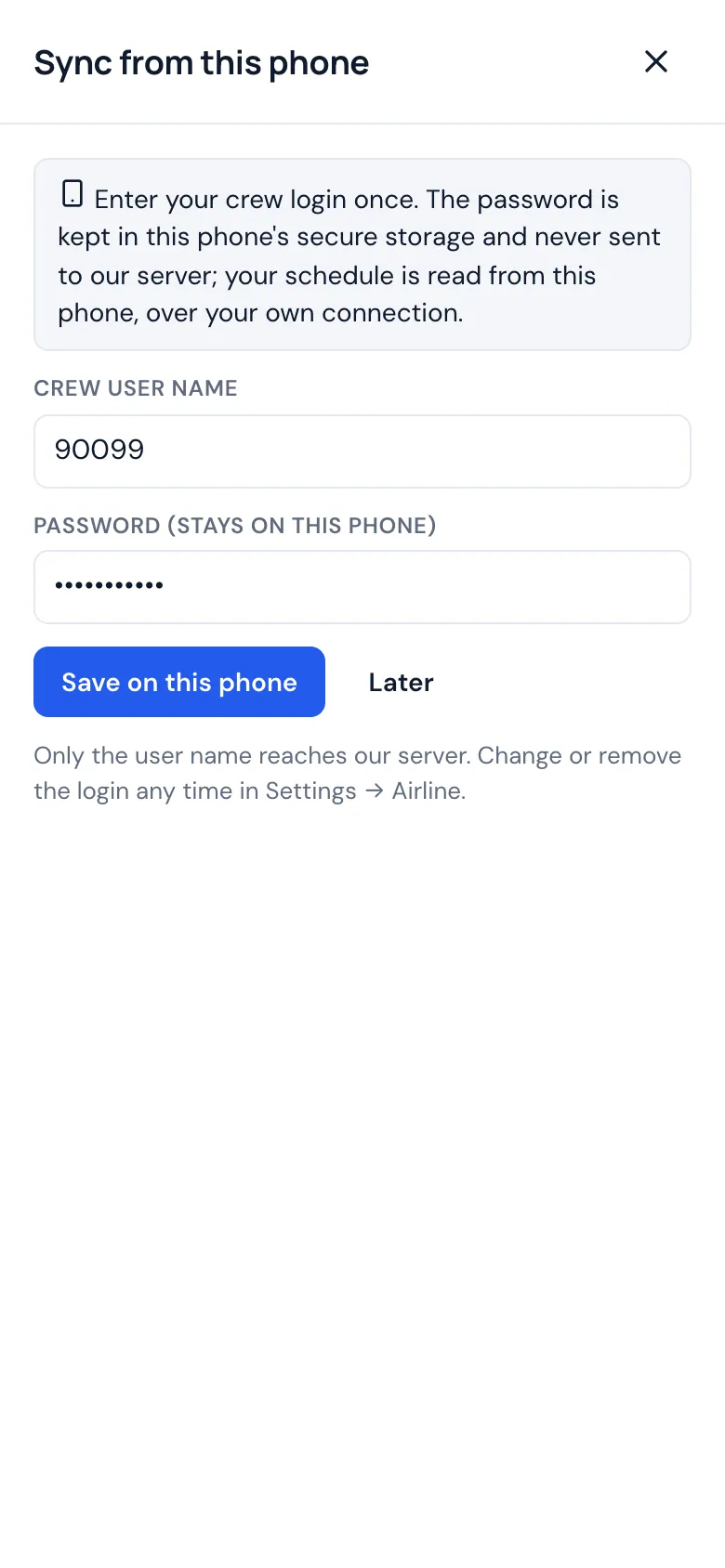
Your logbook is yours: never sold, never shared, exported any time. Sign-in works only on your own devices, and your airline password stays on your phone.
How it works
- Get an invitationAccess is by invitation for now. You sign in with a code sent to your email: no password.
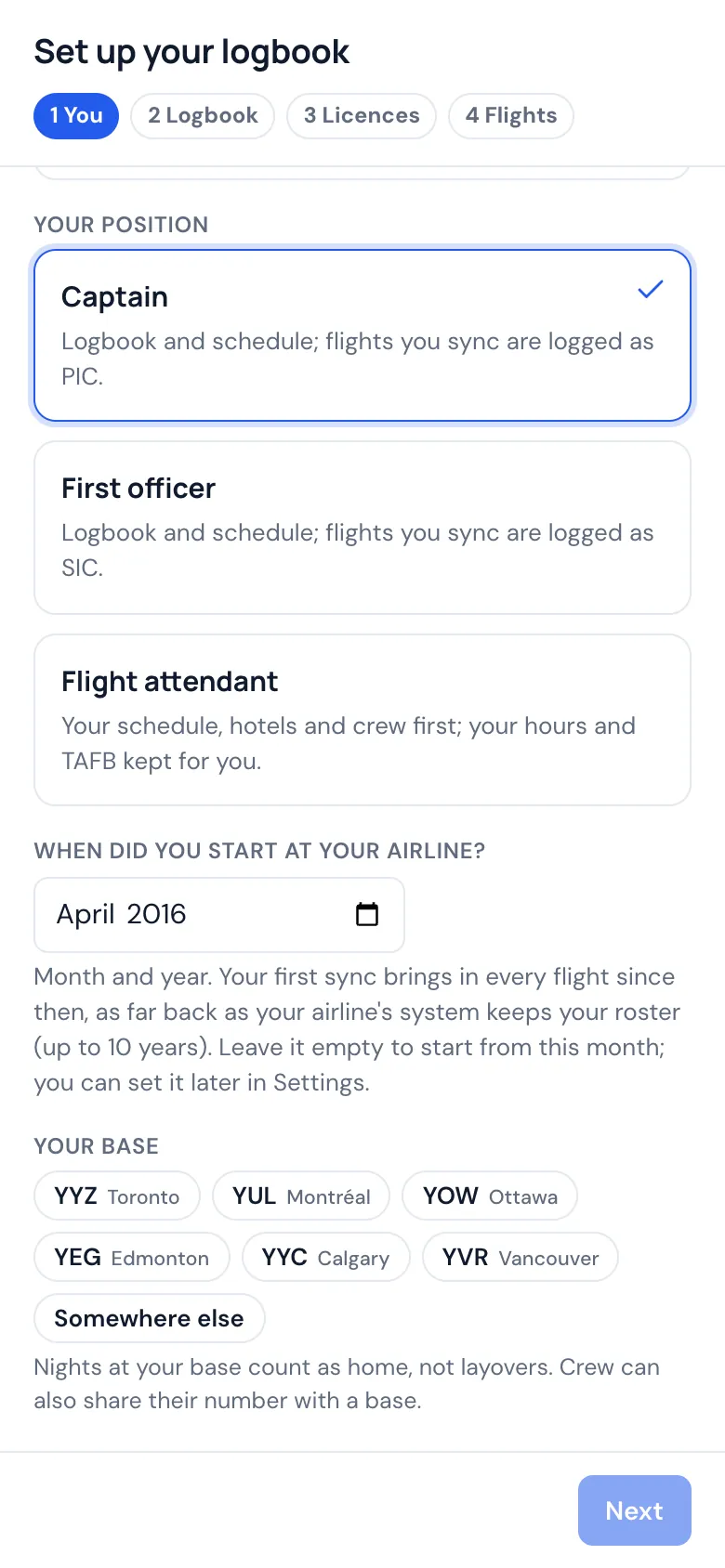
- Connect your airlineSave your crew login in the phone app, where it stays. If your airline doesn't sync yet, add flights by hand or import a file.
- Sync when you wantYour roster comes in with hotels and crew, and completed flights are logged for you. Check them, adjust anything, and print when you need to.
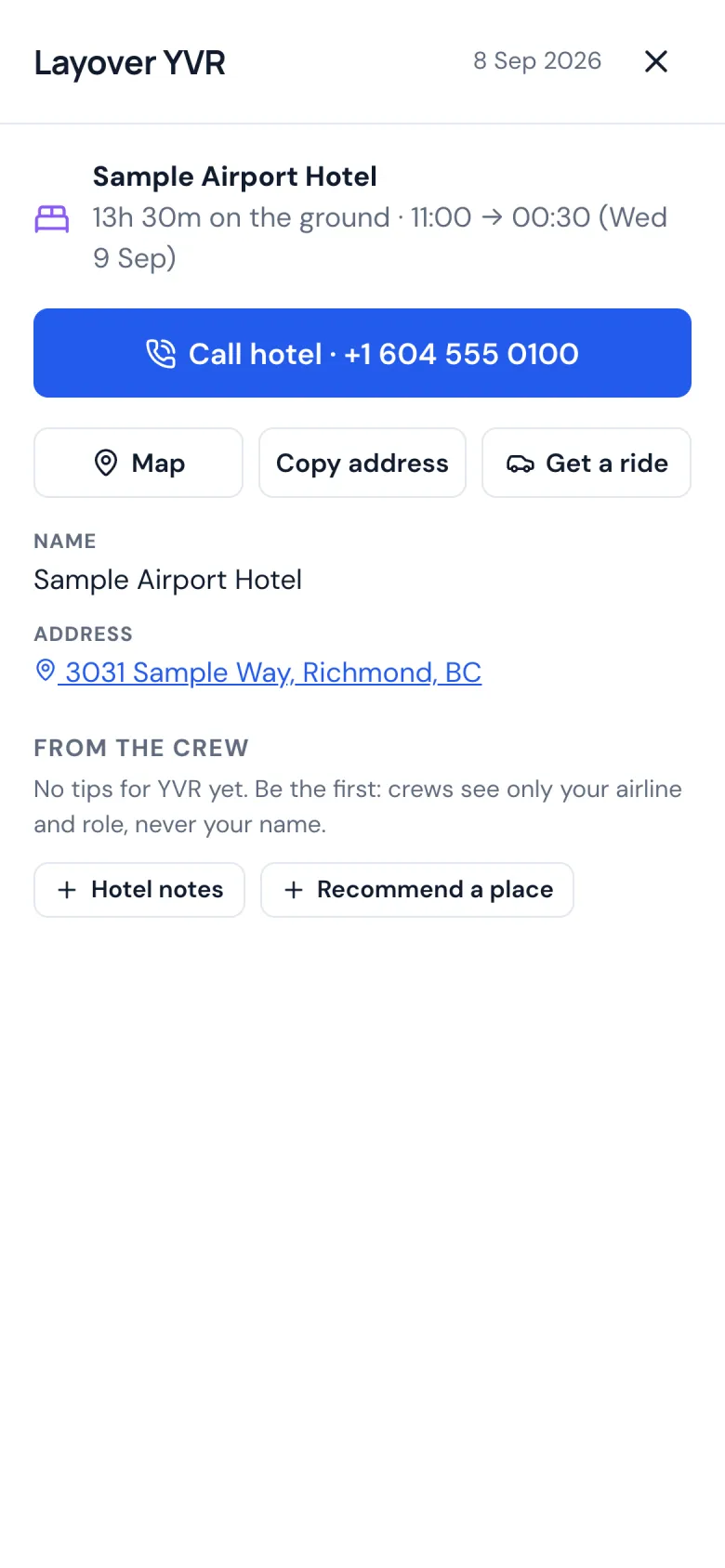
Your hotel, one tap away
Open your layover and tap Call hotel: no hunting for the number. Tap Get a ride and your ride app opens with the hotel already set as the destination, so getting back after dinner takes seconds. The map, the address and Crew Places for the city are right there too.
Made for the way crews fly
Times are exact to the minute and shown the way you log them: tenths rounded the way you choose, hundredths, or hours and minutes. Pick UTC, local time or your base's time, ICAO or IATA codes, and what gets filled in for you, from pilot flying to relief time on long flights.
Print it like a paper logbook
Classic paper logbook pages for the FAA, the Transport Canada spread and the EASA logbook, with page totals, amounts forwarded and your signature on every page.
More in the app
Newer additions, all in the app today.
New
Delay alerts
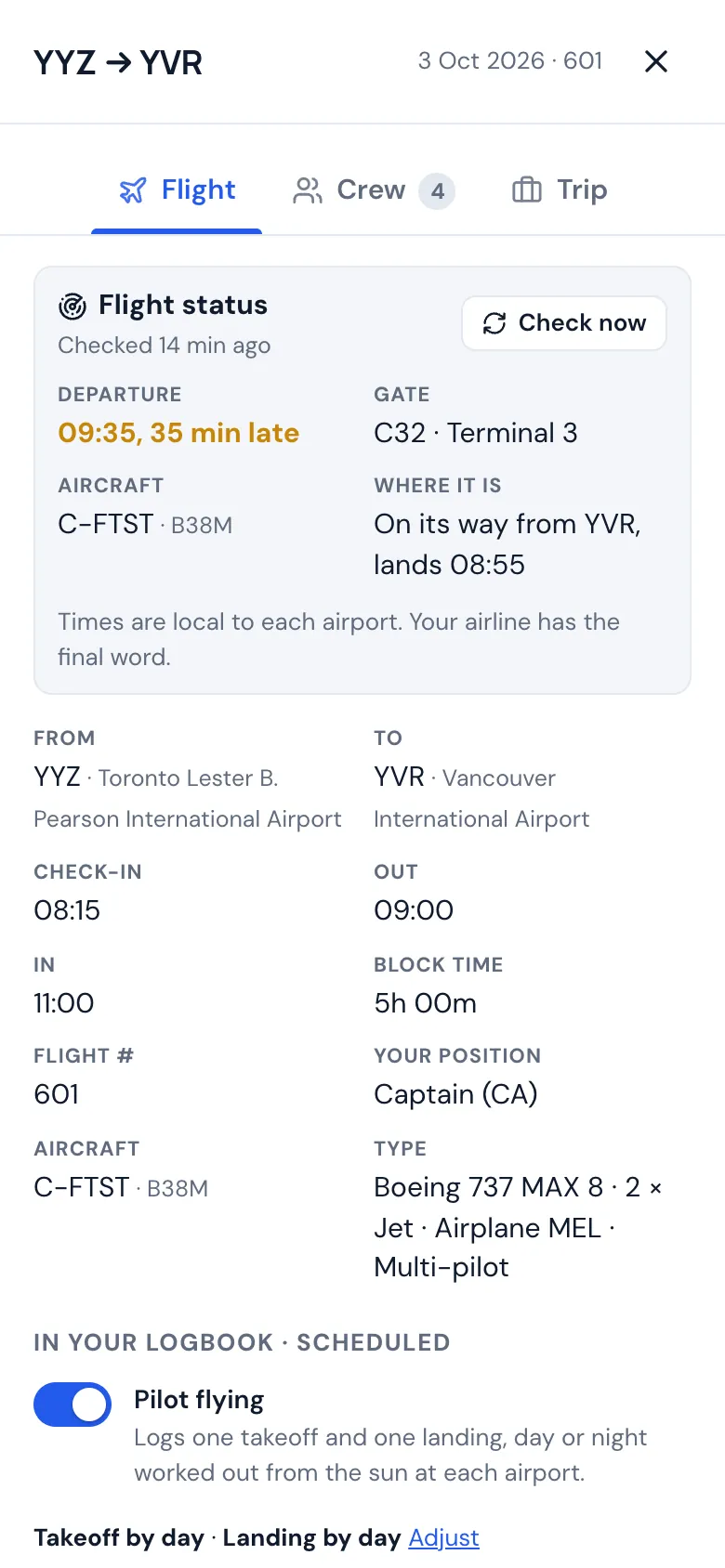
A notification on your phone or computer when the first flight of your day is running late, with the new time, the gate and where the aircraft is coming from. You can see where your aircraft is before you leave for the airport.
Is your airline next?
The logbook learns a new airline from an example of its schedule. If yours doesn't sync yet, you can help: a short form, about 15 minutes on a computer. Once we've checked it works, your first year is free when paid plans start.
Help add your airlineQuestions? Read the answers or see who built it.
Follow us on Instagram @gforcescheduling